
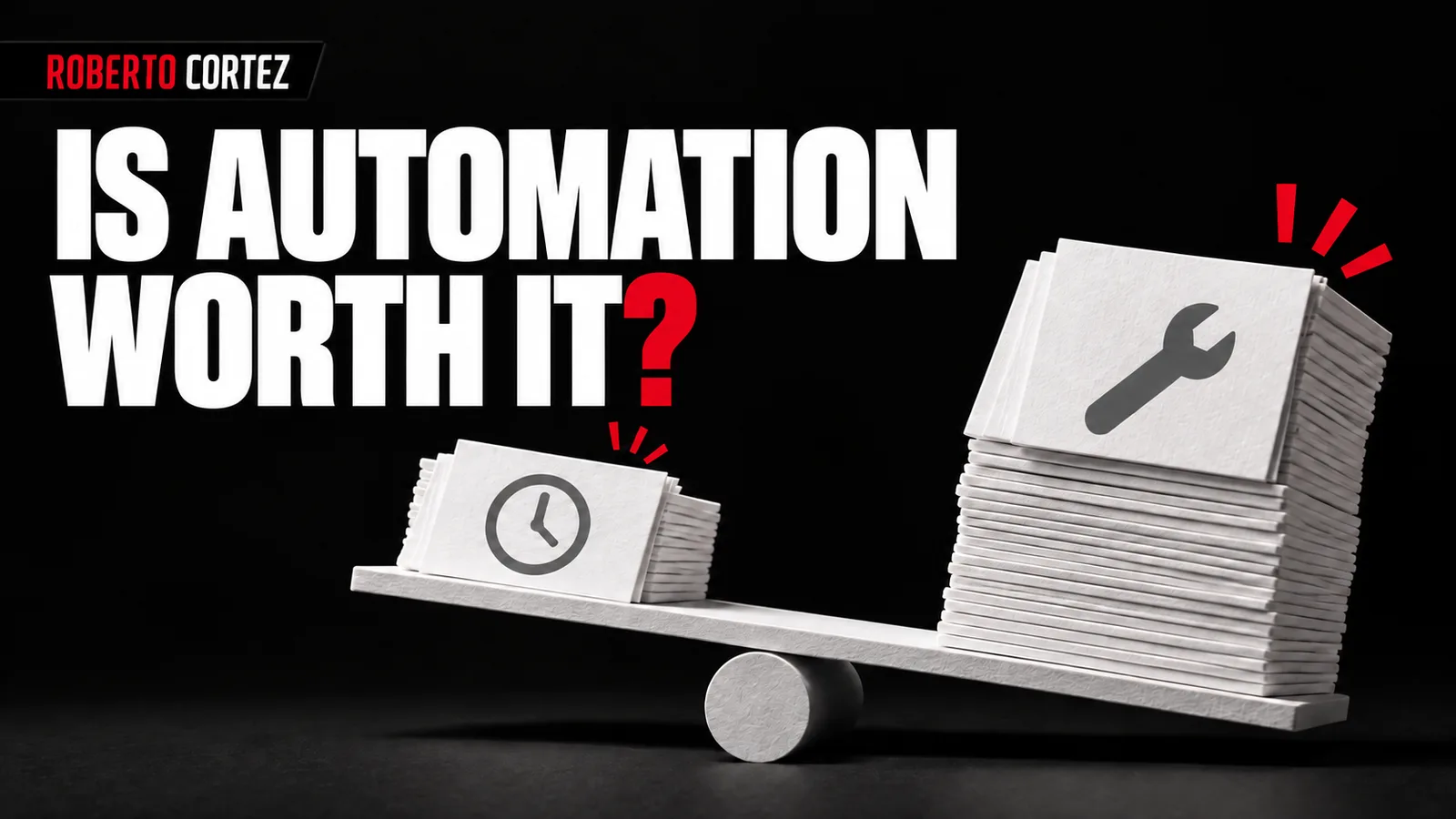
Compare usable deliveries, not tasks started
Measure the effort needed to complete the process before and after automation, using comparable cases and the same quality standard. Include preparation, review, correction and referral. The number of automatic executions only shows activity; the meaningful comparison ends when someone can actually use the result to continue with the next stage of work.
Imagine a workflow preparing replies to sales enquiries. Previously, someone read the request and wrote the message; now they receive a draft but must check the interpretation, correct the suggested service and remove unauthorised commitments. Rapid text generation does not demonstrate that the final response became ready any earlier than before.
In this hypothetical example, follow several enquiries from arrival through to message approval. Record human time at each stage and note when somebody had to start again. Distinguish waiting for the tool from active work by the team, because those delays and interventions can affect the process in different ways.
Return to the task inventory prepared before automation to confirm the original problem. If the objective was reducing preparation, measure that stage and observe the effect on subsequent work. A local improvement can remain useful, but should not be presented as a reduction in total effort without making that comparison.
To prepare your next step, explore Automating administrative tasks.
Separate necessary review from rebuilding the work
Review means confirming that a result meets the criteria before it is used. Rebuilding means redoing substantial parts because preparation failed or does not fit the process. Record these situations separately to establish whether automation supports a human decision or delivers work that the team effectively needs to begin again from the start.
A commercial review may include checking the recipient, the request and the proposed conditions. Those checks can remain necessary even when the draft is correct. If the system repeatedly chooses the wrong service, omits restrictions or mixes information from different enquiries, the person is repairing the preparation as well as reviewing it.
Create simple categories for observed corrections: incorrect information, missing information, a broken rule, unusable formatting or an unresolved decision. Keep examples that explain the failure with appropriate access restrictions. A general count of edited responses does not distinguish a changed comma from a proposal that had to be rewritten entirely.
Examining the cost of repeated decisions helps include work hidden between stages. If someone must ask every day which rule applies, a business decision may still be missing. Adding another request to AI does not automatically resolve that lack of definition or establish which condition should prevail.
Locate the source of the most frequent corrections
Choose a relevant category of rework and trace cases until you find where the difference between expected and actual results appears. Check incoming information, instructions, rules and the integration. Correcting the cause of a repeated failure can be more useful than individually polishing each response produced while that cause remains unresolved.
If a draft uses outdated terms, first establish which document it receives. If it misinterprets the requested service, examine the examples and criteria available. If the text is correct but appears against the wrong customer, the investigation must examine how records are associated as well as the quality of the generated language.
An absent rule may be resolved differently by each reviewer. In that situation, bring together those responsible for the process and establish which condition should prevail. The system can only be evaluated clearly when there is a stable reference for the behaviour the team considers acceptable in the relevant cases.
Avoid immediately concluding that you need a different model. A more capable tool can still work from the same outdated source or perform an incorrect integration. Make a bounded change, retain earlier cases for comparison and check whether the problem disappeared without changing behaviour that was already working appropriately.
Reduce scope when the process has too many exceptions
If particular cases continue to generate disproportionate corrections, consider temporarily removing them from automatic handling. Retain automation where quality has been demonstrated and refer the rest to a person. Make that reduction explicit, with criteria the team can recognise and a way to monitor the volume of cases excluded from the automatic route.
For the sales workflow, you might retain preparation for one clearly defined service and refer requests combining several offers. The system could still organise incoming information without recommending a solution it cannot support. That preserves useful preparation without presenting partial work as a finished proposal ready to use with the customer.
Boundaries need testing as well. If referral fails, difficult cases may remain in automatic execution or too many simple enquiries may return to the team. Use the criteria for testing an automation before handover to check the ordinary route alongside the conditions that should interrupt it and request assistance.
Record who receives exceptions and what they need to know to resolve them. A queue of flagged cases without an owner simply moves the delay elsewhere. Automated work and human supervision should form a complete path, with a clear destination for work that cannot proceed without somebody making a decision.
Decide whether to retain, redesign or suspend it
After testing a correction or narrowing scope, repeat the comparison with equivalent cases and check the effect on total work. Retain the process if the improvement is useful and sustainable; redesign the part still failing or suspend its use when rework prevents an acceptable delivery with the resources available to the team.
Include maintenance in the decision: updating instructions, checking sources and resolving tool changes take time even when they do not happen on every execution. Spread that effort over the observed period without hiding peaks in workload. A process that looks efficient on a trouble-free day may require supervision beyond the team's available capacity.
Consistency, organisation or availability may also improve in ways that cannot be expressed solely as minutes saved. Identify those benefits separately and confirm that the team observes them in practice. They may justify using the system, but should not support a claim of time savings that the measurement did not demonstrate.
Close the analysis with a decision, an owner and conditions for reassessment. Preserve examples and identified causes so that the next attempt does not repeat the same design. Automation is worthwhile when it improves a relevant part of the process without creating hidden effort that the company ultimately has to absorb somewhere else.