
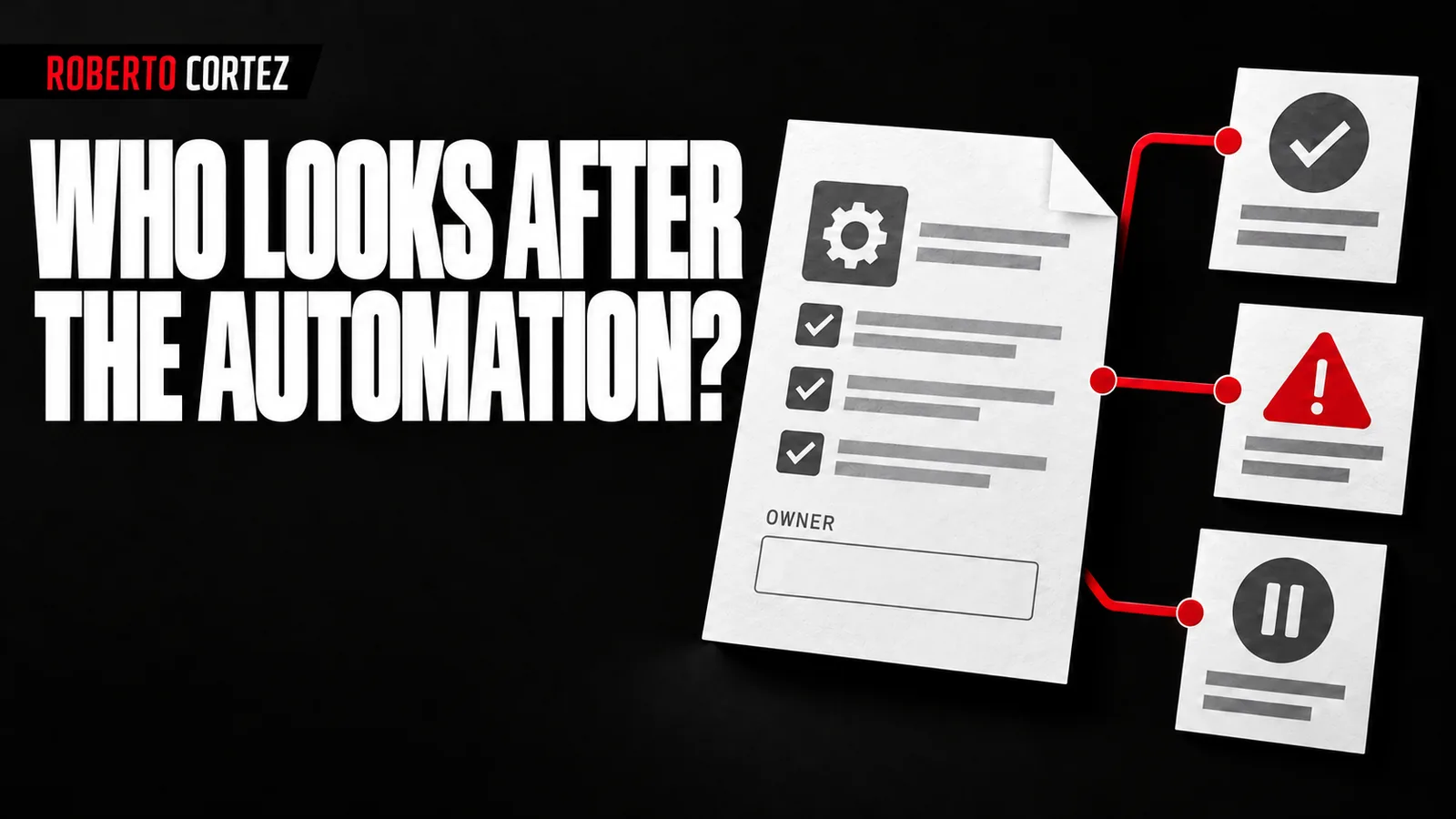
Discover what already runs out of sight
Start by asking the team to show the routines they have already created to save work. Include spreadsheets with formulas, automated messages, integrations and personal assistants used for company tasks. The first result should be an understandable inventory describing what each solution does and which people depend on its output.
An isolated automation can begin as a useful initiative. Someone identifies a repetitive task, tries a solution and improves their working day. Difficulty arises when that solution starts feeding other processes without colleagues knowing where the information comes from, who can correct an error or what happens during an absence.
In a hypothetical example, a salesperson receives an automatic summary of new enquiries while operations creates another summary from a different export. Both appear useful, but they may show incompatible statuses for the same contact. The company ends up debating which is correct without having recorded the difference between their sources.
Ask for a short demonstration of each routine and follow a case from its input to its result. Record whether execution depends on a computer remaining switched on, an individual account or an intervention only the author knows about. A list of software names alone will not reveal these practical dependencies.
To prepare your next step, explore Business process automation.
Give each process a record someone else understands
A useful process record explains the automation's purpose, its trigger, the information it consults and what it produces. Identify the owner and how to stop the process. Provide enough detail for another person to follow an execution without turning the documentation into a manual that nobody can realistically keep current.
Documenting work and learning supports delegation because it prevents everyone having to discover the same things again. Applied to automation, this means preserving the reasons for decisions as well as the steps. If an integration runs only after a manual check, the next person needs to understand why that check exists.
Include a correct example, a case requiring intervention and a result that must never occur. In a sales summary, for instance, flagging missing information may be acceptable while inventing a customer's priority is not. Examples make the criteria clearer than a vague instruction to produce a good report for the team.
The practice of giving AI relevant context also helps the person inheriting an automation. Selecting relevant information makes the process easier for people and assistants to understand, while dumping every earlier conversation leaves the reader to distinguish decisions from experiments that were later abandoned.
Keep the record beside the process or in a shared index the team knows how to find. Technically complete documentation in an unknown personal folder still leaves the company dependent on its author. Location and access are part of what makes the record useful in practice.
Define who decides and who maintains it
Each automation needs someone responsible for its result and someone able to maintain its execution. These roles may belong to the same person in a small team, but they should be explicit. Also define who approves changes affecting customers, data or commitments the company has made to other parties.
Responsibility for the result means assessing whether the process still addresses its original need. Maintenance means following up on failures, access and changes in the tools involved. When nobody distinguishes those roles, an automation can remain technically active long after it has stopped producing information the business can use.
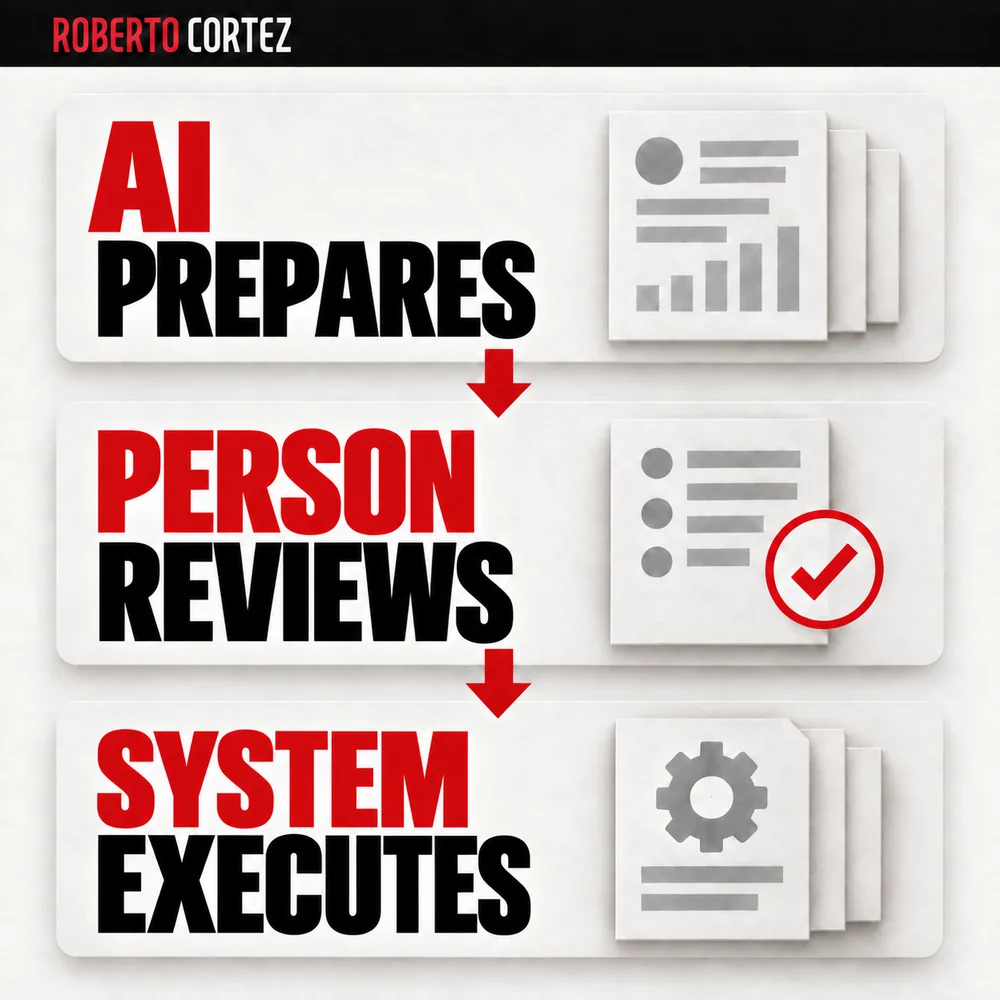
The exercise of defining who approves each part of a project prevents an apparently small change from altering a commercial decision. Someone able to edit a workflow may lack authority to change prices, recipients or approval criteria, even when they have the technical capability to do so.
Access should reflect people's actual roles. Prefer company-managed accounts and permissions where the tool supports them, with individually identifiable access for the people doing the work. Sharing a password indiscriminately makes it harder to understand who changed something and remove only the access that is no longer needed.
Share criteria without blocking useful experiments
Coordination can begin with a few common rules and a safe place for experiments. Distinguish a personal test from a process used by the team, with clear criteria for moving between them. Require documentation and validation proportionate to the automation's effects while preserving the initiative of the person who found an improvement.
A test that reorganises sample files does not need the same oversight as a workflow sending customer messages. What changes is the consequence of execution, the information accessed and the difficulty of correcting an error. Applying the same heavy procedure everywhere can push useful experiments back out of sight.
Create a simple way to announce what is being tested and search for existing solutions before building another. A short statement of purpose may reveal that someone else has already solved half the process. Sharing should make collaboration easier without requiring the whole team to learn every tool's technical details.
When two solutions perform similar tasks, compare them before choosing one. They may address different needs that only appear identical from a distance. If consolidation makes sense, preserve the useful cases from both and explain which becomes the reference, instead of leaving two versions permanently in circulation.
Test the handover to another person
An automation stops being isolated when another person can follow it, recognise a failure and request the right intervention. Rehearse the handover using authorised real cases or safe examples. Notice where the author still needs to explain something missing from the documentation, and correct that gap before considering the handover complete.
Ask a colleague to run an ordinary case and another with missing information. Check whether they can find the result, understand the execution status and identify the next step. Questions arising during this exercise show precisely what is missing from the record, the access arrangements or the process itself.
The criteria for testing an automation before handing it to the team help make the handover a practical check. It is not enough for the author to demonstrate success in their own environment: the process must remain understandable and usable for the person receiving responsibility.
After the handover, keep a short change record and update the documentation when behaviour changes. If nobody uses an automation, confirm that it still has a recipient and a purpose before maintaining it out of habit. This organisation should help improvements survive team changes while preserving clarity about who is responsible for the work.