
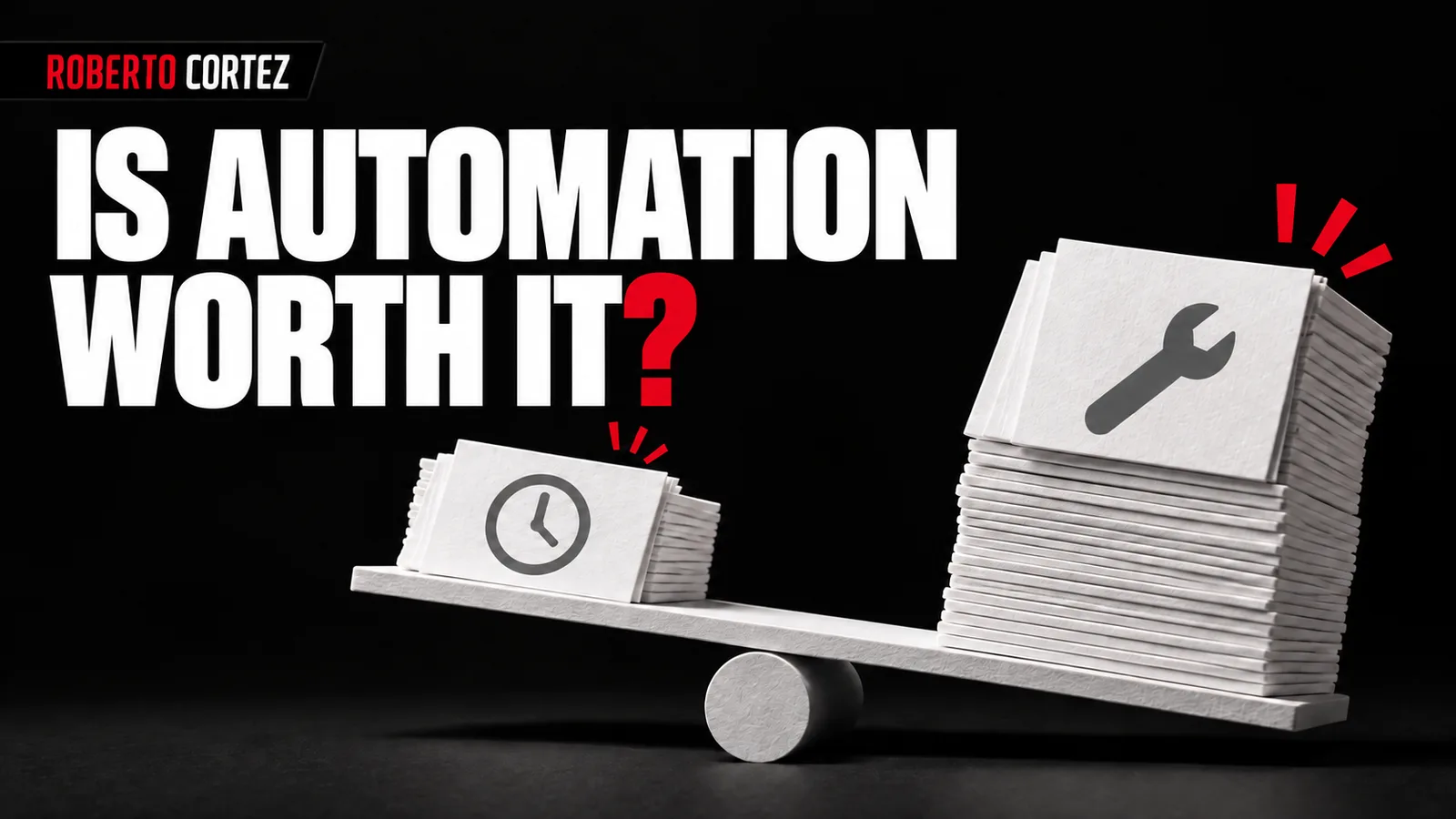
Building an automation can take days. Information needs to be organised, connections configured, rules clarified and unexpected situations resolved. The fact that the flow runs quickly once it is ready does not tell you how much work was required to reach that point or how much attention it will need later.
This comparison is useful before starting and worth repeating once there is experience of actual use. Sometimes the conclusion is to proceed; sometimes it is to reduce the scope or retain a simple manual task. That decision should come from the real process and what the team observes.
Use the task's actual frequency in the comparison
Start by counting how often the task occurs and how long it takes under normal conditions. Distinguish a frequent requirement from an occasional situation that has become irritating. A task can attract considerable attention whenever it appears while still representing only a few hours of work over an entire year.
Imagine, as a hypothetical example, a monthly report that takes twenty minutes to prepare. Over twelve months, that represents four hours of execution. If the first automation requires twenty hours of preparation, the first year's time savings do not cover the initial work, even before maintenance is included.
That does not automatically make the decision wrong. The report may become more consistent, include useful additional information or prevent important mistakes. Those benefits need to be identified as separate reasons, however, rather than hidden inside a promise of time savings that the numbers cannot support.
An inventory of tasks before choosing the first automation helps place this option alongside others. There may be a less exciting task that happens every day and deserves attention sooner because of the accumulated workload it creates.
To prepare your next step, explore Assessing business readiness for AI.
Count the work that remains after the first successful run
Include data preparation, supervision, corrections, changes and explanations to the team in the automation's total effort. Automating the main execution does not remove these tasks. To establish whether there is an advantage, compare the complete manual process with the complete automated process over a similar period and with comparable workloads.
A flow may save one person time while creating work for someone else. For example, information collection becomes automatic, but another person starts checking missing fields and correcting categories. If that work is excluded from the comparison, the reported savings will exceed the savings the business actually experiences.
During a trial, record interventions with a short description. Separating one-off corrections from recurring interventions is enough to start identifying a pattern. You do not need to invent a level of precision the team does not yet have; you need to make the additional work visible and understandable.
This connects with the cost of making the same decision every day. The time spent interpreting information and deciding what happens next is part of the operation, even when it does not appear on the tool's screen or in its usage report.
Understand the cost of exceptions and mistakes
Automation becomes less attractive when exceptions require the team to reconstruct a substantial part of the work manually. Assess how often errors occur, how easily they can be detected and how much effort correction requires. A rare mistake can matter considerably if its consequences are difficult for the business to reverse.
Consider two hypothetical examples. In one, the system puts a document in the wrong folder and someone corrects its location. In the other, it sends a customer a response containing incorrect commercial terms. The error count may be identical, while the work needed to recover the situation is very different.
Observe what happens with incomplete information, repeated requests and situations outside the expected categories. If every exception requires investigating several systems, there is an operational cost that a demonstration using neatly organised data is unlikely to reveal. The recovery process deserves as much attention as the successful run.
Before handing the flow to the team, test the automation with real cases and exceptions. One useful conclusion may be to retain automatic preparation while leaving the final decision to a person who understands the context and can assess the consequences.
Ask whether the process is ready to be automated
When rules change constantly or nobody can explain what a correct result looks like, automation may bring forward work that still needs definition. Identify what is stable and what remains undecided. Automating only the stable part may be sufficient while the business learns how to handle the rest of the process.
A team may still be discovering which information it needs to collect in a request. If the form changes every week, each connection built around it may need revision. At that stage, organising the fields and testing manual collection can produce more useful information for the next implementation decision.
The same applies when several people use different criteria. If one considers a request complete while another requires additional information, a process decision is missing. Passing that ambiguity into an AI instruction does not resolve the disagreement that created it or establish which interpretation the business intends to use.
Choose a small boundary: recording incoming requests, for example, while classification remains subject to human review. The automated part then has a clear purpose, and the team can change its decision rules without rebuilding everything it has already put into operation.
Decide what the team will do with the time released
The value of saved time also depends on the work the team can do with it. Identify a specific use, such as responding to customers, reviewing proposals or improving delivery. Avoid treating scattered minutes as available capacity equivalent to uninterrupted blocks of work that require sustained attention and concentration to complete.
Saving a minute on each of several tasks may reduce interruptions and fatigue. That can be valuable, but it does not necessarily create a free hour in the calendar. The way work is distributed affects what the team can achieve with the savings and whether another task can genuinely fit.
If the aim is to give customers more attention, observe whether responses improve and follow-up actually happens. If the aim is to produce more, identify the stage that limits delivery. Automating a peripheral task may leave that capacity unchanged, even when the automation itself works exactly as intended.
This check avoids attributing a result to automation when it depends on other decisions. It also helps choose between two options with similar time savings: the one that releases attention when it is most needed may be more useful to the business and easier to justify operationally.
Set a condition for continuing, reducing or stopping
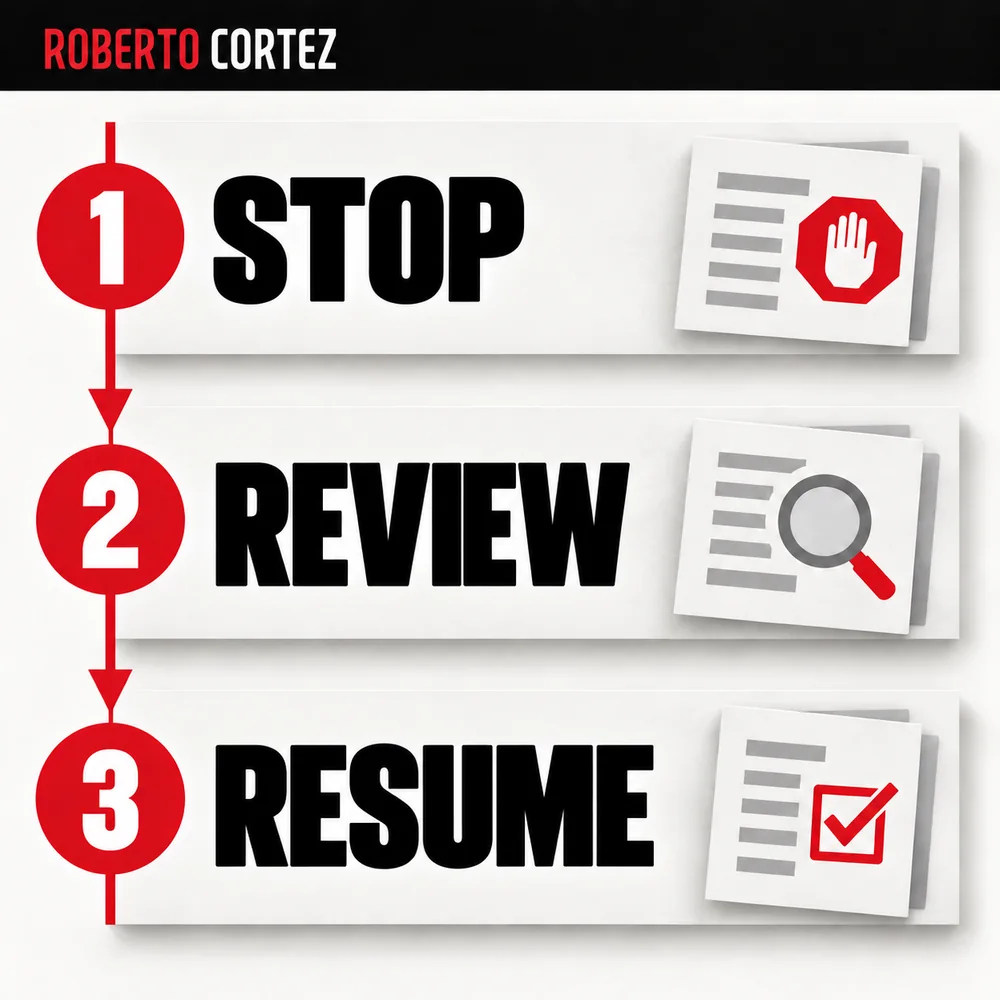
Before building, write down what would justify continuing the project and when you will review that decision. Use observable criteria such as required interventions, output quality and team usage. If the trial does not show the expected advantage, reduce its scope or stop investing, keeping past effort separate from future benefit.
A review date prevents the prototype from consuming attention indefinitely. At that review, compare expectations with events: how often it was used, which problems it solved and what additional work it created. Record what you learned about the process too, even if the tool will not continue in its current form.
You can decide to retain only part of the flow. Data collection may be useful while automatic interpretation requires too many corrections. Separating those stages lets you keep the observed benefit without remaining committed to the original ambition of automating the entire task at once.
The ability to build with AI makes more options possible. Choosing where to apply time and attention remains a management responsibility. A sound automation decision includes recognising when a manual task, a simpler process or a smaller solution serves the business better and leaves the team with less work to maintain.