
In class Sextas Ímpares #151, I was demonstrating the ad-management dashboard I built for AdSummit, an automation that runs on an hourly cron schedule and adjusts budgets based on a rule matrix I defined myself, with no language model call behind it. Midway through the demonstration, I tried to switch off one automation and the interface returned an error. The cause was simple: I had lost my WiFi connection because I was recording inside my car. I noticed the problem within seconds, once I realised I had no network.
The moment is small, but worth examining closely, because this exact kind of silent failure is what separates an automation you can trust from one that keeps acting without your knowledge.
What a button that confirms nothing actually means
An on/off button is only useful if the result it displays matches what actually happened on the server. If the interface changes its visual state without waiting for confirmation, it creates a false sense of control, something common in quickly built dashboards where a click flips the icon before any response comes back from the backend.
In my case, the error appeared immediately, which is already an advantage: I knew right away the command had not gone through. The bigger risk is the opposite scenario, where the interface accepts the click, flips the button, and you never verify whether the request was actually processed on the other end. In that case the automatic routine may keep running, spending budget or firing actions, while you already believe the matter is closed.
If you are building your own panels to manage campaigns or processes, it is worth treating this as a minimum standard: the panel should only report something as stopped after the server confirms that state change. You could, for instance, show an intermediate state, something like "confirming", instead of jumping straight to "stopped".
Losing connection is not a rare case
What happened to me was trivial: I was recording inside a car, without a fixed network, and the connection dropped. It wasn't a system bug but an infrastructure failure outside my control, the kind of ordinary, common failure any automation eventually runs into, whether through network instability or a momentary outage of an external service.
If whoever operates your panel cannot distinguish "the request failed due to network loss" from "the request was rejected by the server" from "the request was accepted but not yet processed," that is where you start. That simple, concrete distinction determines whether you trust what the screen shows or go check manually on the other side, for instance by opening the ad platform itself to confirm the real state of a campaign.
In my specific case, it only took a few seconds to realize I had no WiFi, and that told me the problem wasn't with the automation's server or my rule matrix. It was purely a local network issue. But if I hadn't had that immediate clarity, I could have wasted time doubting the automation itself, when the actual problem was three feet away, on my phone with no signal.
The limits I set before automation touches ad budgets
How to Test an Automation Before Handing It to Your Team
How to plan an app with Claude Code before you start coding
To design execution and handle exceptions, explore the business process automation guide.
When manual verification is worth the trouble
The matrix I built for AdSummit runs on its own, with no AI model deciding in real time: it is fixed rules, defined by me, applied every hour to the ad performance data. I receive a WhatsApp report at each hourly checkpoint.
That reporting discipline is what lets me trust the automation is doing what it should, even while on vacation, without needing to constantly open the ads manager. But that does not replace state confirmation when you try to intervene manually. If you decide to stop a routine because something looks wrong, and the interface fails to confirm the stop, the sensible move is to go check directly on the source platform, in my case Meta's ads manager, whether the change actually happened.
This manual check does not need to happen every time. If the automation is running predictably, with regular reports and no warning signs, constantly confirming everything by hand would defeat the point of automating the process in the first place. But in the exact moment you decide to intervene and the system fails to confirm that intervention, that is when it is worth stopping and checking the other side before moving on with your day.
What this means if you build your own tools
More traffic managers and business owners are building their own operational dashboards with automations instead of relying only on native platforms. That gives more control, but it also shifts to you the responsibility of making sure the panel does not lie about what is happening.
You don't need a sophisticated system. What you need is for any stop button to wait for a server response before showing success, and, if that response never arrives, for the panel to clearly say it doesn't know the current state, rather than assuming the best case. When the panel confirms state correctly, you can trust it. If it merely assumes the best case without checking, you risk making decisions about real money in live campaigns based on wrong information.
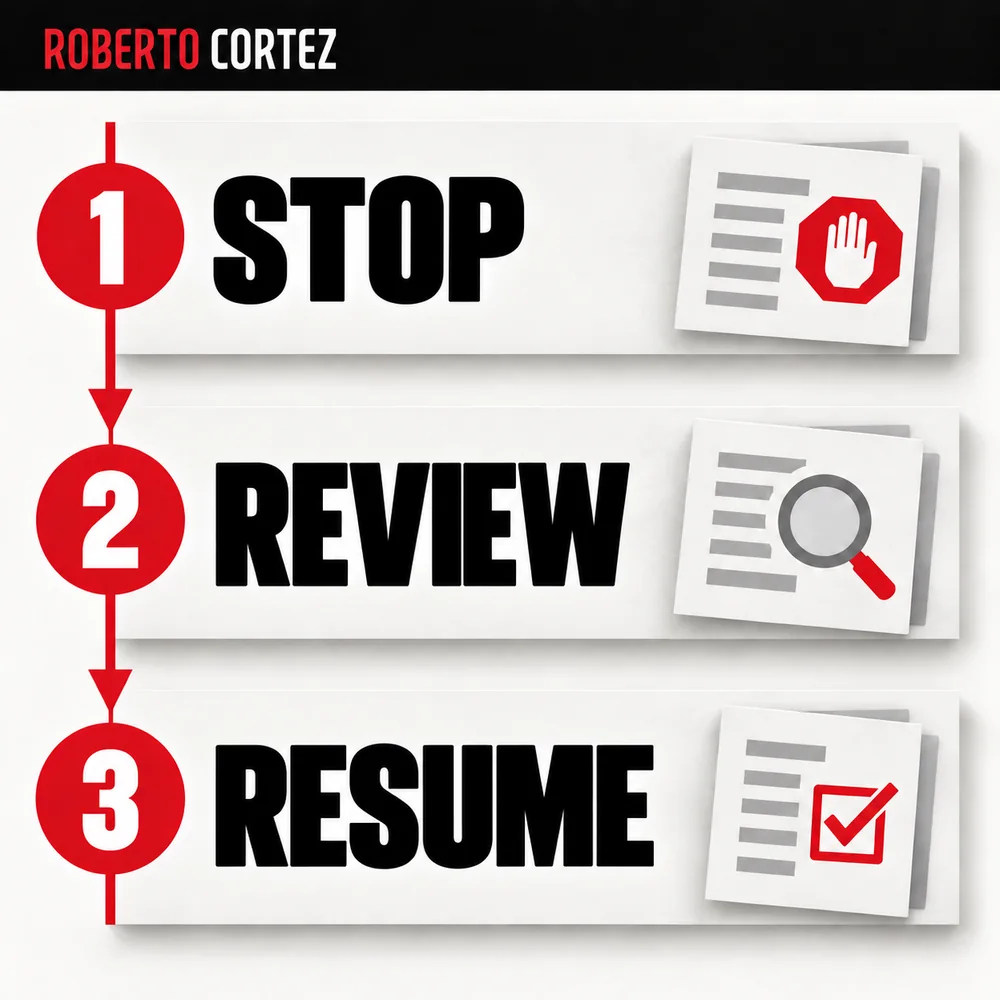
Consider a simple example: a campaign receives automated changes, and the client tells you the offer has changed. I would start by checking which actions still make sense with that new information. A criterion that suited the previous offer may need to be reviewed.
To organise that conversation, you can record when the change arose, which rule it affects, and who will confirm the new conditions. Then check the campaign state and decide what to resume. This is an example of applying the reasoning from the class, rather than a description of a feature I demonstrated. Its purpose is to make the decision the team needs to take explicit.
Source note
This article grows out of one concrete moment in Sexta Ímpar #151, starting around 43:37, when I tried to switch off an automation in my AdSummit management panel and the interface returned an error due to a lost WiFi connection. You can watch the full class here: https://www.youtube.com/watch?v=SYe0ebyVZ5c