
What the automation actually does
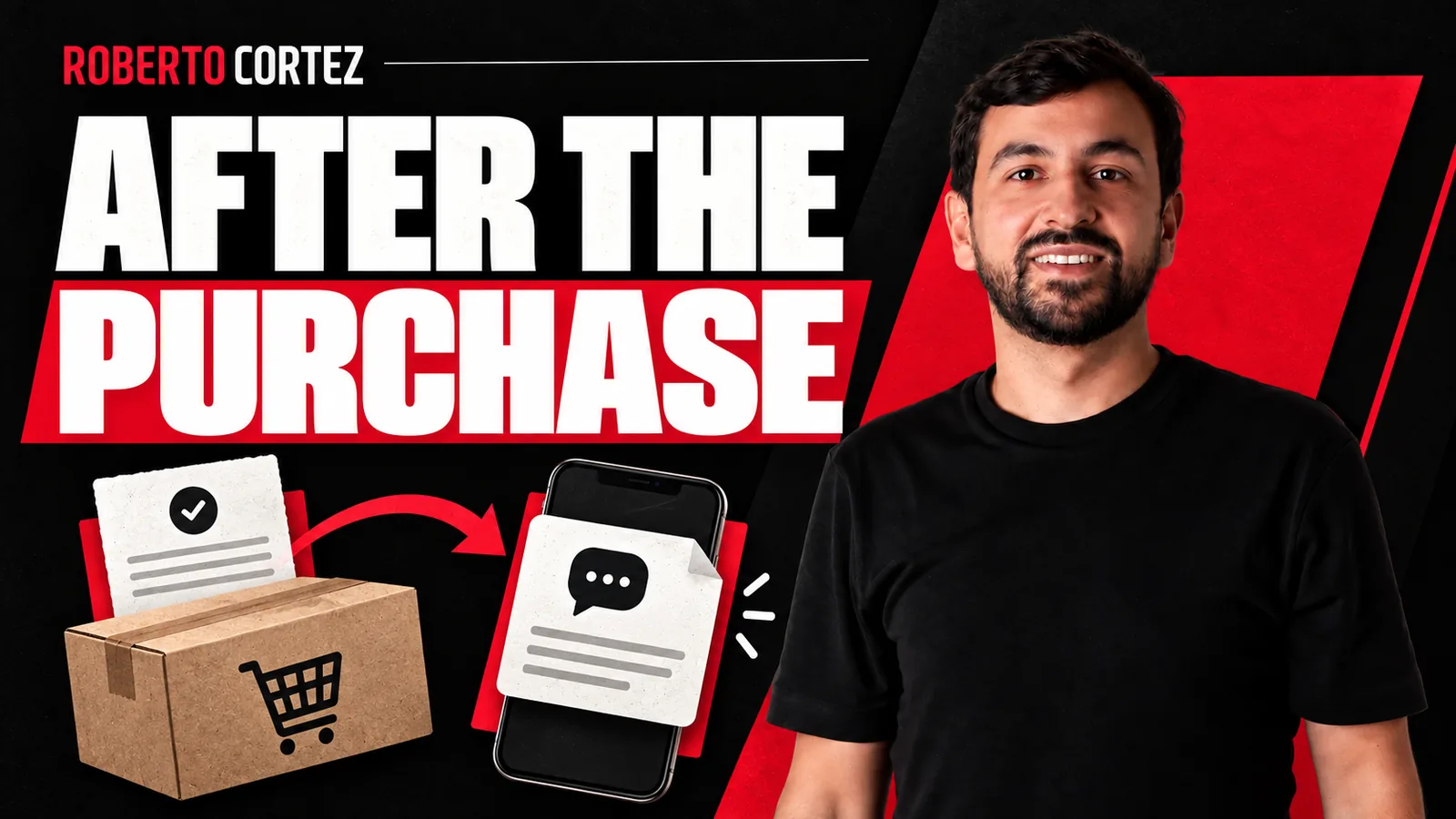
The example I gave in the lesson is direct: someone buys a 7-euro course and, about a minute later, receives a WhatsApp message signed by a team member. The message thanks the buyer, mentions the name of the course, and leaves a contact available in case any question comes up. It is not a generic blast from an anonymous number.
It has a name, has context, and leaves an open door for a reply. That is the core of the example: a customer who just paid does not want another sales pitch, they want reassurance that the purchase went through and that someone is there if they need help.
What makes this example useful is not technical sophistication, it is simplicity. There is no elaborate multi-step funnel here. There is one trigger, one message, and one person available to keep the conversation going if needed. It is worth studying closely before trying to make it more complicated than it needs to be.
The tools behind the send
For this kind of automation, I use Boost Space, which has make.com built in and lets me build automation scenarios without paying for two separate subscriptions. That integration is what led me to cancel my standalone make.com subscription, since Boost Space already included the same automation engine.
On the support side, the team's WhatsApp runs through Chat Guru, which I describe in the lesson as a kind of CRM for WhatsApp. That tool is what lets the commercial team see conversations, reply, and continue the support thread after the automatic message has gone out, instead of the conversation getting stuck on one person's personal phone.
This split between the tool that fires the automation and the tool that manages the human conversation is what keeps the whole system from being fragile. If the welcome message depended on one team member's personal phone, that person going on holiday or switching devices would be enough to break the process. Centralizing everything in a system like Chat Guru solves that problem in a simple way.
For more on this kind of automation applied to a business, the AI and automation hub gathers other reflections on the topic.
How to organise a project's first month without promising to fix everything
How to convert more leads into clients in a service business
How to build a lead funnel that the sales team can actually work
Where checkout and money fit in
This kind of confirmed-purchase example assumes the payment has already been processed by a checkout system. In the lesson, I explain that I use Digital Manager Guru integrated with gateways like Stripe and PayPal, and the advantage is that the money lands directly in the bank account within a few days, without an intermediate holding period.
This distinction matters because it is the confirmed payment event, and nothing else, that should trigger the welcome message. A filled-in form or a started cart are not the same thing as a completed sale. If the automation fires before the money is actually confirmed, you risk thanking someone for a purchase that hasn't actually happened yet, which creates confusion instead of trust.
In that class I also mentioned GoCardless for instalment payments by direct debit. The example helps explain the connection between billing and communication: a payment confirmation can trigger a thank-you message. Commercial terms and available integrations need to be checked when choosing the solution.
What's worth confirming before you copy this
If you want to build something similar for your business, the starting point is simple: what event triggers the message. It has to be payment confirmation, not a filled-in form or an abandoned cart. Mixing the two confuses both the customer and whoever is managing the automation.
After that, I would start by deciding exactly what the message needs to say: the name of whoever is writing, the name of the product bought, and a direct contact for questions. Nothing more is needed. Shorter and clearer works better. If you feel the need to add technical access instructions, keep that in a separate block, or in a dedicated email, so the first line can stay purely a thank you.
A hypothetical recommendation, which I did not describe in the lesson but which is worth considering: if your sales volume is high enough to cause spikes or instability on the payment platform, it is worth checking whether your automation tool already handles repeated events well before you scale sending, so you don't risk sending the same message twice to the same customer. This is a general precaution for anyone building automated flows, not a practice I detailed in this particular lesson.
Keeping the thank-you separate from the next sale
A principle running through the whole lesson, applied to other tools too and not just this message, is not mixing service communication with sales communication. A customer who just bought something isn't in the right moment to receive another offer. If the first message's goal is to confirm and reassure, let it do just that.
Opportunities to sell more come later, once the person has actually used what they bought and felt the value. Keeping the first message focused on thanks and support is a matter of common sense, not a rigid rule you need to encode into several layers of logic.
It is worth noting this care is not just about tone. A transactional message that also tries to sell can land badly with the customer, who senses the business cares more about the next sale than about confirming the current one went well. Keeping the two separate protects the trust that has just started to form.
When a person on the team steps in
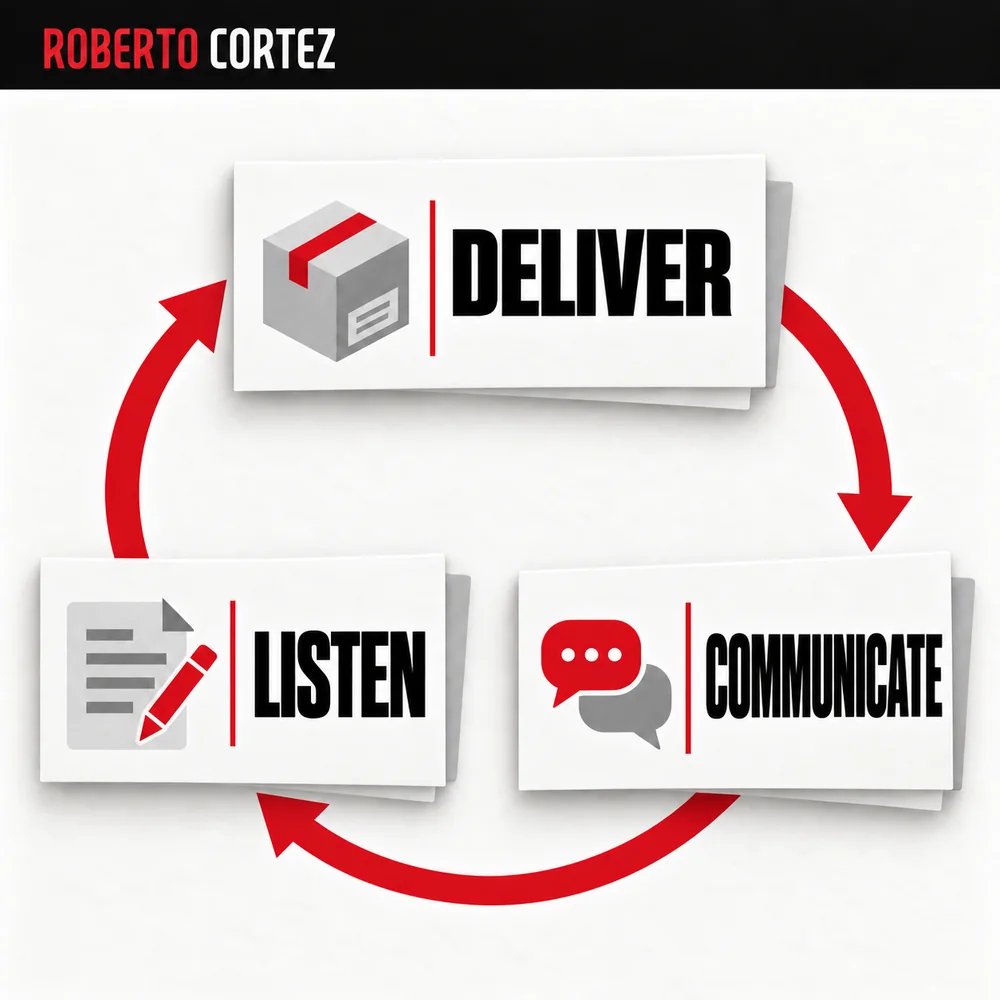
The automation serves the speed of the first contact. From the moment the customer replies with a specific question, the team takes over, through Chat Guru, where conversations stay organized for whoever is handling support. There is no need for complex escalation systems for this to work well.
What separates a good automation from a bad one is not how many steps it manages to automate, it is the exact moment it knows to stop and let a person take over. If the customer only needs confirmation, the machine handles it. If they have a real question about the purchase, about access, or about any specific detail, it is the team member who has to respond, with the purchase context at hand and without forcing the customer to repeat what they already said.
This is perhaps the biggest practical value of the example I gave in the lesson: the automation takes care of the speed and consistency of the first contact, and the team takes care of everything that requires human judgment. Neither side tries to do the other's job.
Source note
I wrote this article based on the lesson Sextas Ímpares #84, where I talked through the digital marketing tools I use every day. The explanation of Boost Space and cancelling my make.com subscription comes up around 22:20, the example of the automatic WhatsApp message after a 7-euro course purchase appears around 23:20, and the part about Digital Manager Guru and money landing directly in the bank account is near 11:00.