
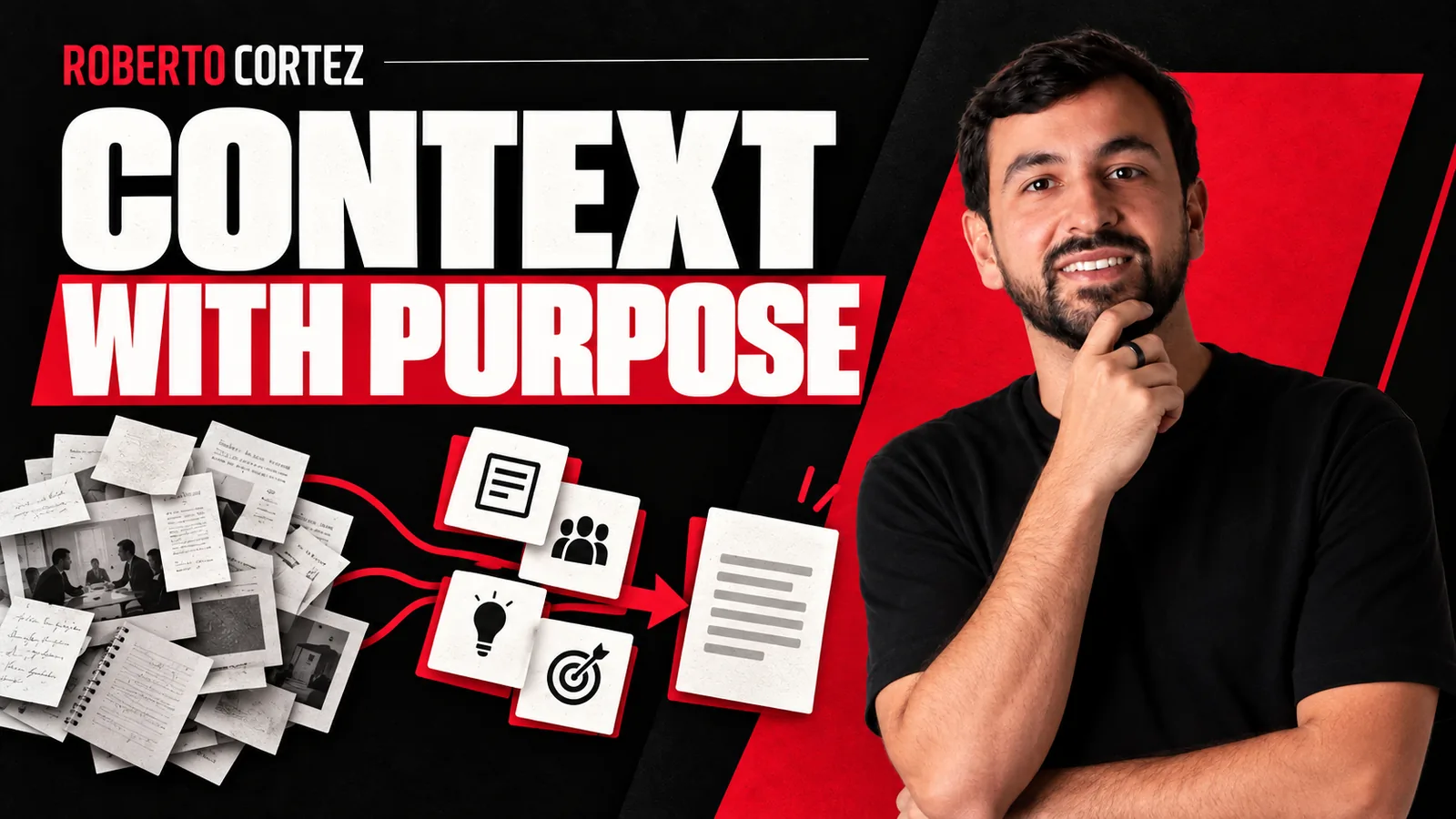
Why dumping messy data solves nothing
If your CRM or your email list is disorganized, AI will not tidy it up for you. In one of my Sextas Ímpares classes I was blunt about this: using these tools on top of messy data "will just exponentiate the mess you already have." The phrasing was rough, but it captures the reasoning well.
The starting point is not the tool, it is the source. Before asking a model to cross-reference information, analyze sales, or build a report, I need to know the data on the other side is clean and organized. That is what I described as the condition behind the internal dashboards I now use at my company: I can build a report with a single prompt, but the real difficulty lies in knowing exactly what I want and making sure the data sources are organized before pulling them into one table.
To prepare your next step, explore AI agents for businesses.
Treating each project as its own context
At the level I called the "integrator" (the fourth of seven levels I described ), a person stops treating every AI conversation the same way. They start creating separate projects, each with its own instructions and files, almost like an island of information.
This happens, for example, when building personal assistants in ChatGPT with dedicated context, or projects in Claude with their own instructions and files, or through NotebookLM.
The logic is simple: each project has a different need and a different type of information. Mixing everything into one generic conversation dilutes context and forces the model to guess what matters. Separating by objective is what allows a project to "evolve over time and improve itself over time."
If you are organizing separate sales and delivery processes, it is worth keeping each area's repository closed off from the other, without mixing client history with internal operating rules.
Persistent instructions versus session data
One distinction I marked between maturity levels is knowing what stays fixed in a project's instructions and what is just that moment's data. Rules that never change, like the tone a company uses with clients, can live in a project's or assistant's permanent instructions.
What changes with each task (a file, a statement, a specific piece of text) is what goes into the conversation that day.
This separation avoids repeating the same rules constantly and lets the model apply consistency across tasks. You could start by identifying, in your own workflow, what never changes in your operation and isolating that in a permanent configuration, keeping the working window free for variable data.

Explore this decision further: What an AI Assistant Needs to Know About Your Business.
Security: the care I took before launching a public bot
I shared a concrete security example: before publicly launching a WhatsApp bot, my team and I exhaustively tested prompt injection attempts, because the bot had access to internal files. Even so, of the first ten interactions after launch, four or five people immediately tried to trick the bot into revealing its base instructions and company information.
The point I stressed is that "there has never been a better time in history to be a hacker," precisely because many people publish things online carelessly, thinking a "hidden" link is protected. It is not. In a vibe coding project, securing the project afterward takes the most time, running it through reviews and different models until reaching a higher confidence level before publishing it, whereas building the dashboard itself can take half an hour.
If you plan to give a model access to files or sensitive data, it is worth deliberately testing whether it resists manipulated requests before exposing it to anyone.
From reactive chats to tools you build yourself
The most advanced level I described focuses on building your own tools on top of AI. Concrete examples included a client creative-approval dashboard that replaced our messy spreadsheet, and automated personalized emails sent through Resend integrated with Claude Code for an internal World Cup pool of around 80 participants.
In that example, I simply prompt the system to send each participant a personalized email based on what they filled in or did inside the app, without manually organizing tags the way I would in a traditional CRM like Active Campaign, a tool I mentioned I plan to stop using because I pay for a full feature set I only use a fraction of.
The central point is that companies used to have to adapt to whatever tools existed on the market; today, for those who know how to build, the process reverses: you build the tool to fit the need, rather than fitting the business to the tool.
Explore this decision further: How to plan a Claude Code app: brief and validation.
What this changes in daily practice
The common thread across these examples is discipline before automation: clean data, isolated context, fixed rules, and verified security before launch. I clarified that progression does not require slow steps. In the in-person training, several beginners started with simple chatbots and built their own custom systems within two days.
The real challenge, I said, is not technical. It is believing that this is not for you. Anyone who understands how to organize context and data before asking AI to work on it is already halfway to using this seriously.
The Resend case: when building replaces subscribing
I want to expand a bit on the concrete example I gave about the World Cup betting pool, because it illustrates well the difference between paying for a full-featured tool and building just the slice you actually need. In Active Campaign, sending a personalized email to each participant would require organizing tags, building conditional automations, and manually keeping all that updated as the competition progresses. That is recurring configuration work, not just the subscription cost.
With Resend integrated via Claude Code, the hypothetical process would look different. I would give a natural language instruction, something like asking it to check who hasn't submitted picks for upcoming matches, calculate each person's ranking position, and generate an email with that specific data for every participant. The system doesn't need pre-configured tags because it pulls the information directly from the application at the moment of sending.
The practical difference is that personalization stops depending on a structure built in advance, and instead depends on the quality of the instruction given at that moment. This only works, as I already said elsewhere, if the source data is organized. If the betting pool app had results poorly recorded or inconsistent fields, asking the system to generate personalized emails would produce multiplied errors, not simplification.
It's worth noting this kind of solution was designed for a specific internal need with around 80 participants, not as a generic replacement for a full CRM. If someone has a database of thousands of contacts with far more complex segmentation needs, a direct comparison with a tool like Active Campaign would require more caution before deciding to migrate.