
Why your ticket history is the right raw material
If you want AI to answer your customers well, it needs real context, not opinion. In the Sextas Ímpares #128 class, I explained that artificial intelligence only becomes useful when it has real data. Without that context the model starts guessing, exactly what you want to avoid in support.
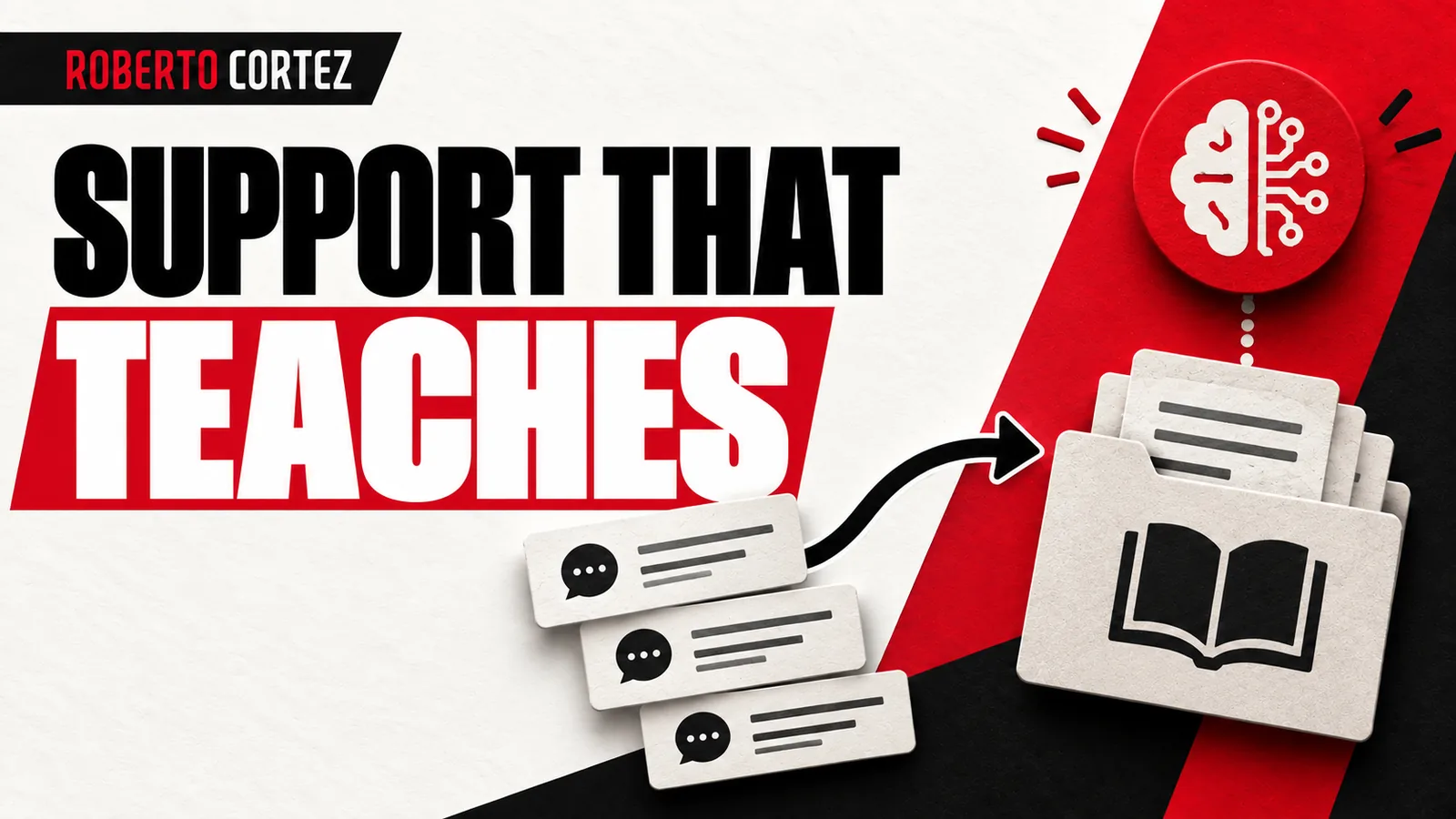
As I put it in the class, artificial intelligence only truly becomes intelligent if it has data. In the customer support example I gave, the logic is simple: instead of the agent deciding on its own how to answer each ticket, it first checks what the company has already answered before. The agent analyzes the company's knowledge base and brings back the answer based on that, not on what it thinks is the best solution. That is the starting point for any support knowledge base: it reflects what has already been done and validated by someone on the team.
This is worth emphasizing because it is the most common mistake when someone starts experimenting with support automation. The temptation is to connect the tool to the entire inbox, the whole history, and let the AI learn on its own. But raw history contains both good answers and bad decisions, promises made under pressure, and replies given by staff who no longer work at the company. Curation exists precisely to filter this out before the machine learns from it.
Select only replies that actually solved the problem
It is worth understanding which tickets closed well and which were left unresolved before loading your entire history without filtering. If the client cannot say where their sales come from, that is where you start; the same reasoning applies here.
I would start by splitting tickets into two piles: those that solved the problem on the first try, with a clear, reproducible answer, and those involving long back-and-forth exchanges, complaints, or unusual negotiations. Only the first pile should feed the context the AI will use to suggest replies. In the class I gave the example of using the last 2000 tickets from support as a source for the machine to draft replies, not as a raw, untreated archive.
This is a practical recommendation, not a fixed rule: every business has its own volume and its own way of categorizing tickets. A small shop might have a hundred closed tickets a month and choose to manually review the best examples of each question category. A larger business might need an automatic criterion, for instance filtering only tickets closed without reopening and answered quickly. The principle of choosing only what has already worked applies at any scale of operation.
What an AI Assistant Needs to Know About Your Business
How to use AI in business beyond chatbot prompts
How to convert more leads into clients in a service business
Separate current policy from one-off exceptions
An easy mistake is letting an old exception get read by the AI as a general rule, mixed in unflagged with today's policy. If a goodwill gesture was made some time ago because of a specific one-off error, that cannot sit at the same level as your current policy.
I want to understand what changed and what I need to decide: that is the filter I apply when reviewing old content before handing it to an automated agent. It is worth keeping two separate groups, one with rules that always apply, another with special cases that only serve as reference for human decisions. The AI can use the second group to suggest a path to a colleague, but it should not have authority to repeat an exception as if it were a standard service response.
Think of a concrete case: a customer received a damaged product outside the warranty period, and the company decided at the time to replace it as a goodwill gesture. If that exchange shows up mixed into the rest of the history without any flagging, the next customer complaining about an out-of-warranty product could receive the same promise, even though the company never intended to repeat that gesture every time. Separating the two groups avoids this kind of undue generalization.
Give updated context, not just volume
Give the data, explain the rule, and show where it failed: that approach produces good results when training any system. Support history only helps if it's tied to the business's current prices, deadlines, and warranty policies, not to conditions that no longer apply.
If the company changed shipping providers months ago, an old ticket on that topic no longer serves as a direct reference, even if the customer's question looks identical. In the class I also spoke about the next effect of this kind of curation: once the base is well maintained, the AI stops guessing, it drafts a reply and eventually even automates it, referring to the moment when the agent starts proposing the text on its own, based on what has already been validated. That step only makes sense after the history has been cleaned and updated.
In practice, the knowledge base calls for ongoing review rather than a one-time write-up. Whenever the company changes a price, a delivery deadline, or a warranty condition, someone needs to review which old tickets stopped being valid as reference, marking, even in a simple note, which reply categories became outdated. That periodic review is what keeps the AI from repeating a commercial condition that no longer exists, something a customer only discovers once they try to act on that outdated information.
Protect personal data before any curation
Before sending anything to an AI tool, it is worth checking whether that history contains sensitive information: full names, order numbers, contact details. This was not detailed in the class, but it is common sense for any business handling customer data.
You do not need a complex system for this. You can set aside time to manually review the selected tickets, or use a simple text-replacement tool, before considering them part of the final base. If the team is small, this can be done during the same step as selecting the best tickets, without needing a separate extra stage.
It is also worth thinking about the internal side: if a staff member who has since left the company signed old replies, remove that person's name from content that now serves as a reference. What matters is preserving the solution given, not who gave it. This also simplifies maintenance, since the base ends up speaking with a single company voice, rather than the voice of specific people who may no longer be part of the team.
Test with questions that have no answer
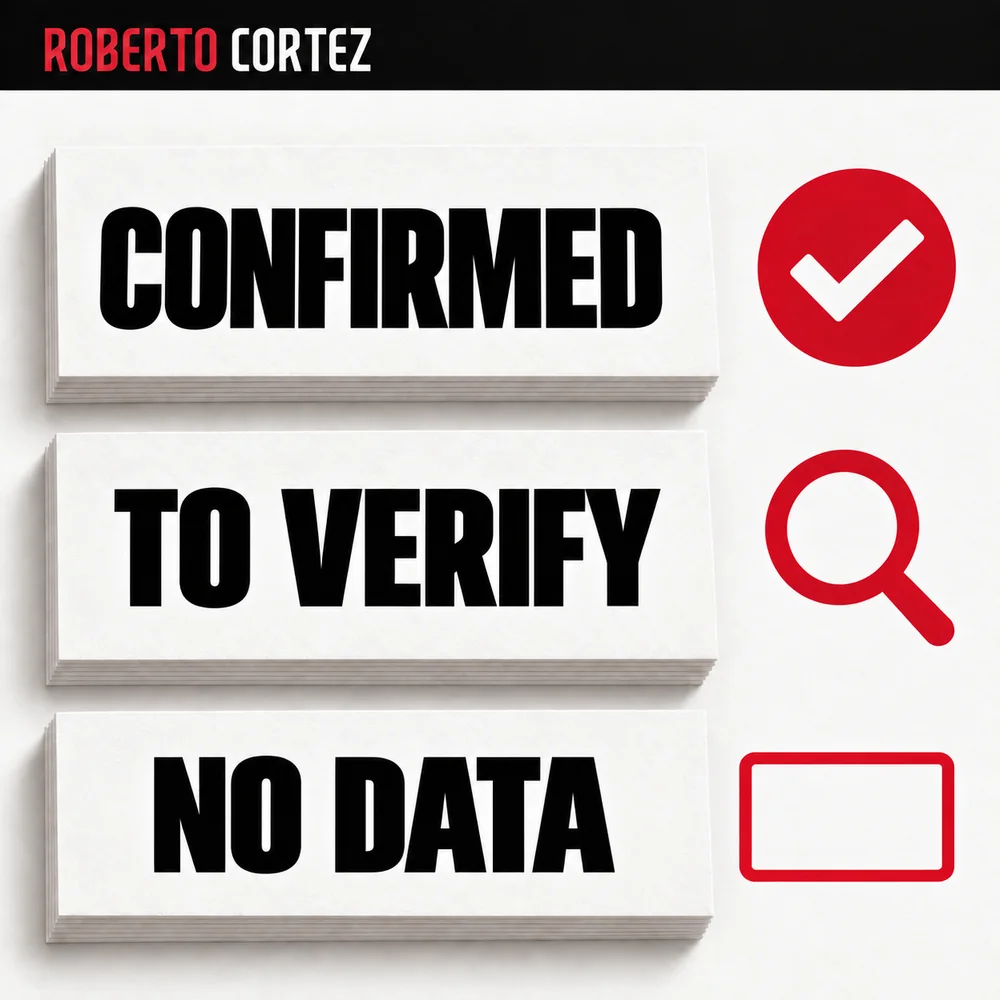
An AI-supported support system is only safe if it knows how to say "I don't know" when it lacks enough information. I would try questions outside what the base covers, products you never sold, requests outside policy, before letting the agent reply alone.
In the class I emphasized that the human's role in automation becomes one of curator and observer of the machine's decisions, not executor of repetitive tasks. That applies directly here: someone on the team needs to periodically review what the AI is suggesting and correct the base whenever a deviation shows up.
This test matters most at the start of implementation. While the volume of generated replies is small, it is easy to review each one and see where the AI improvised instead of admitting it had no reliable answer. As confidence in the base grows, that follow-up can shift to weekly sampling, reviewing only a portion of the generated replies. That approach lets manual supervision gradually shrink as the base becomes more mature and tested.
Source note
I wrote this article based on my class A Era da Inteligência da Automação nos Negócios, Sextas Ímpares #128, recorded at Ad Summit. The customer support and knowledge base example comes up around the 57-minute mark of the session. You can watch the full class here: https://www.youtube.com/watch?v=XTWg_GjK35Q