

Show exactly where the change starts
A useful request starts with a location and an observable difference between what happens and what should happen. Identify the page address, the user's action and the result encountered. If you provide an image, accompany it with a written explanation that makes it possible to reproduce the situation being described.
Imagine a training website where you want to improve the presentation of courses. Saying that the page needs to be simpler leaves several interpretations open. The AI might reduce the text, change navigation or remove a purchase option it considered redundant, even though that option matters to the business.
You can make the request concrete: on a course page, after choosing a session, the person should clearly see the date, price and registration options. If there is an option to purchase a group of courses, that choice should remain available in the same journey and follow the current rules.
Notice that you are already separating presentation from operation. Wanting a less cluttered page does not mean wanting fewer purchase options. The description should make that intention explicit so the visual simplification can be evaluated without assuming a change to the way the business actually sells its training products.
Keep a reference of the previous state when it helps comparison. That might be a screenshot and a description of the journey, using demonstration data. The reference lets you show what existed without having to reconstruct every element from memory after the change has already been implemented in the application.
To prepare your next step, explore Developing applications with AI.
State what must continue to work
A change has new requirements and commitments inherited from the previous state. Identify the behaviours that must not disappear, particularly those appearing only under certain conditions. Asking to keep everything else is insufficient: explain the relevant journeys and the rules whose preservation will form part of the checks after implementation.
In the course example, the option to buy a group may appear only when compatible sessions exist. A test using an isolated course will not show it. Without that condition being described, a quick page review may suggest everything remains correct even though a commercial journey has disappeared from the site.
The same care applies to saved information. If you want to change the order of form fields, clarify that existing records must remain readable and usable. A visual request does not, by itself, grant permission to change the interpretation of the data the team has already collected and uses.
This preparation extends planning an application before building to a part that already exists. Start with what the application does today and add the intended difference. That gives you a way to evaluate the proposed change without reopening every decision about how the whole product should work for its users.
If you do not know the dependencies, request an impact analysis first. The response should identify potentially affected journeys and questions requiring a decision. That investigation may reveal that an apparently small change touches access rules, availability or calculations that deserve their own attention before implementation can safely proceed.
Separate fixes, improvements and new features
A fix restores expected behaviour; an improvement changes how something is presented or carried out; a new feature adds a capability. Distinguishing these requests helps control scope. When you combine them in a generic instruction, it becomes difficult to tell which change solved the problem and which introduced additional work.
If course photographs are missing, start by describing that failure. Simultaneously requesting a new gallery, a redesigned page and a different image loading method combines separate decisions. The first question is whether the correct image appears again under the conditions in which it should be available to the visitor.
You can then decide whether the gallery deserves improvement. That second task will have its own objective, such as letting visitors compare images without losing their selected session. Separation lets you discuss the improvement's usefulness after confirming that the original content works again, instead of accepting a redesign out of necessity.
The size of the request should also reflect your ability to review it. If you cannot verify several independent changes in one delivery, reduce the batch. A sequence of understandable changes can be easier to follow than an extensive transformation whose explanation amounts to saying that it looks better now.
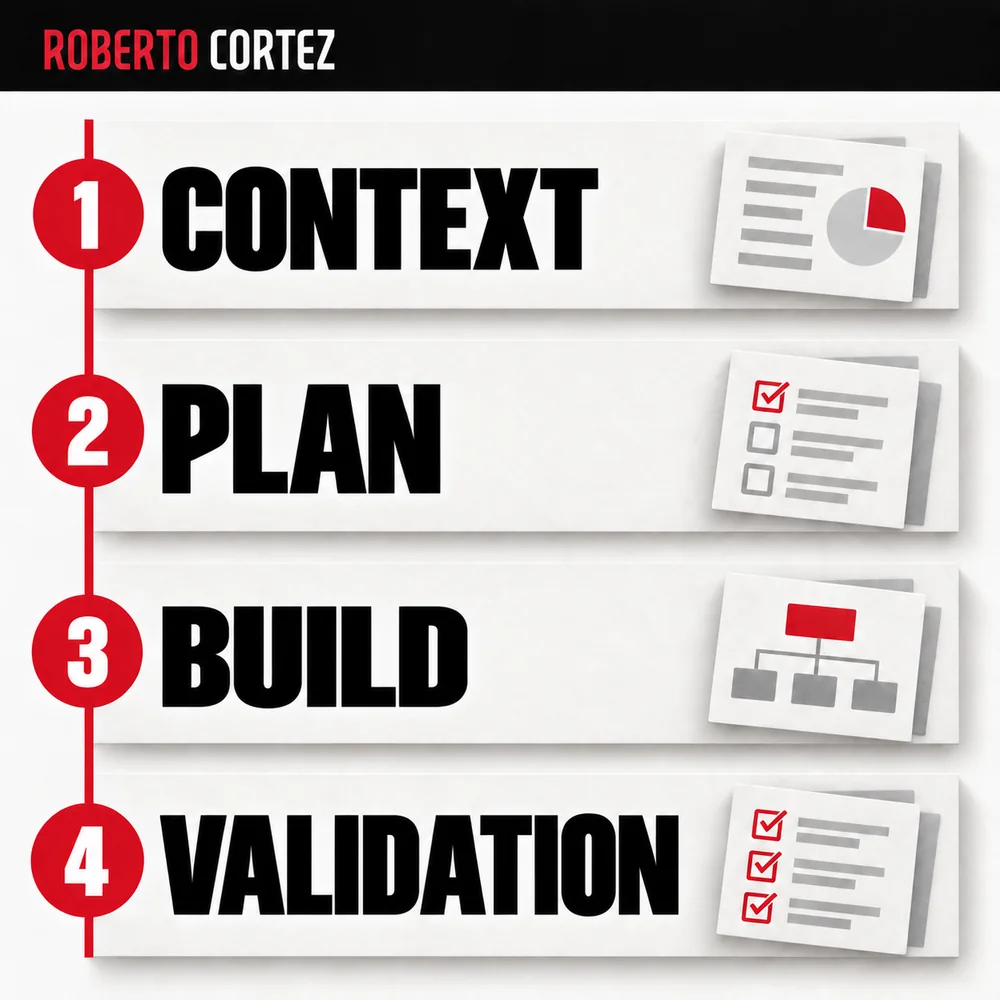
Check the new behaviour and the previous journeys
Validation needs to confirm what changed and what was supposed to remain. Choose examples that exercise relevant conditions, including an exception close to the change. Compare the outcome with the written request. A page that opens and looks correct may still have lost an action that matters to its users.
For the training page, you could check an individual registration, a group purchase and a session with no places available. Each situation addresses a different rule. If only the first case was observed, the report should say so without presenting the remaining journeys as though they were equally verified.
Ask for evidence of behaviour, not merely a list of edited files. You need to know whether the choice persists when moving forward, whether the price matches the selected option and whether returning to the page retains the expected information. Technical details help when they explain the impact of a decision.
This is the approach I develop in testing an automation before delivery. The test follows the person's actual task, including less frequent paths that might have been affected. You do not need to repeat every project test indiscriminately, but you do need to justify the ones that cover this particular change.
Close the change with a verifiable explanation
A change is ready for a decision when you know what changed, what was checked and what remains unconfirmed. Request a summary connected to user behaviour and the rules preserved. If there is a limitation, it should identify the affected journey so you can decide what needs to happen next.
A useful delivery would state that the presentation of options was reorganised, that individual and group registration remain available under the expected conditions, and that the fully booked session was checked. If the confirmation email was not observed, that absence needs to be recorded clearly when closing the task.
Keep the reason for the change as well. Just as it matters to explain why an automation changed a campaign, it matters to connect an application change with the need behind it. That record helps prevent a future revision from removing an accepted decision without understanding its original purpose.
If tests reveal a regression, return to the concrete requirement and identify what stopped working. Preserve the ability to recover a known version while a correction is prepared. The next request should address the observed failure with the necessary scope, keeping the choices that were already accepted visible throughout the work.