
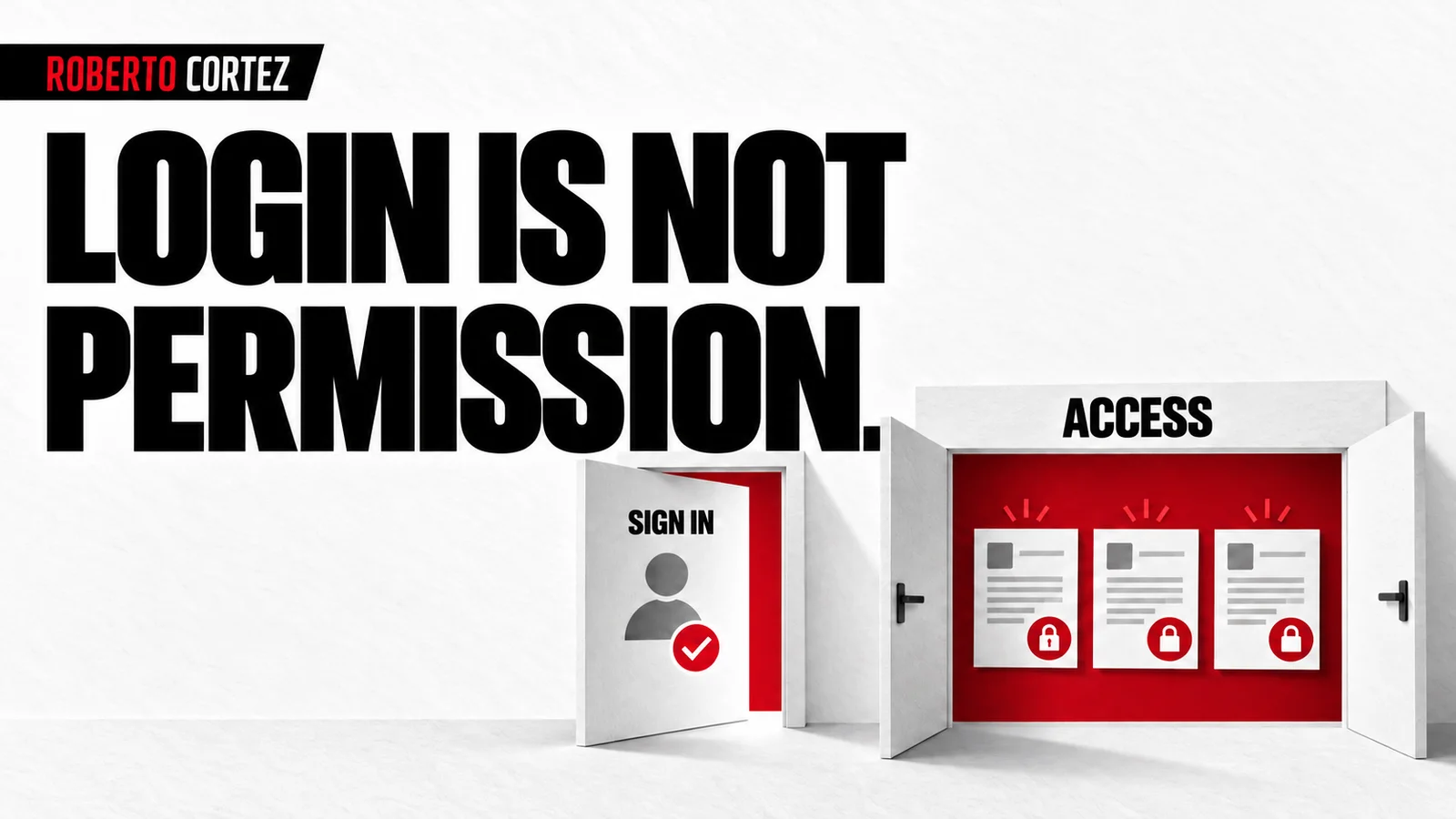
Define the relationship between person, resource and action
To define a permission, identify who requests access, which resource they want and what they intend to do with it. Reading, editing and deleting are separate decisions. Add the relevant relationship, such as membership of the company responsible for a document, so the rule matches the business and can be tested.
Imagine a printing company with a portal where clients submit files for production. A person may enter the portal to follow their own work. That does not mean they may open another company's files, approve a proof for another client or change the planned delivery date of an order.
Even within one company, responsibilities can differ. One employee uploads the file, another approves the proof and someone else follows delivery. If the product needs that separation, the application should express it. The word customer alone may be too broad to determine every action that each person is allowed to perform.
Start by writing short examples of permitted and refused access. A person associated with an order may view its proof; a person from another company may not. If the rule allows an exception, such as production team access, describe the responsibility that justifies it and the scope of that access.
These choices belong in planning the application before coding. AI can help organise the permission matrix, but it needs the business decisions. Without them, it can build a working login while still lacking the information boundaries it must respect after someone enters and starts requesting data or making changes.
To prepare your next step, explore Security for applications developed with AI.
Do not treat the menu as evidence of protection
Hiding a button or removing a document from a list may improve presentation, but it does not demonstrate that the system refuses access. Authorisation needs to exist where requests are processed and data delivered. Testing should confirm refusal even when the option for making that request is absent from the screen.
In the printing portal, a page might list only the correct company's orders. You still need to check what happens when the system receives a request for another test record. The result should depend on the person's permission for that resource, rather than whether it appeared in the visible list.
A document identifier locates the document without granting permission over it. Making an identifier difficult to guess may be useful, but it does not replace the access rule. A link can circulate in a message or remain in a history and still require an appropriate check when someone follows it.
Do not accept an indication from the form itself claiming that the person is an administrator as authoritative. The application must derive identity and relevant powers from verified information. Otherwise, the incoming request gets to determine a condition that should be controlled by the system receiving and processing it.
Apply the rule to files and related data
Permission to view a page should be consistent with access to the elements it presents. Check attachments, exports, private images and other resources connected to the record. Protecting the main query leaves work unfinished if an associated file can be obtained through an address that does not enforce the same decision.
At the printing company, an order may be correctly protected while its proof is stored in another service. Review needs to follow that file through to the way it is made available. Checking that the download button appears only for a signed-in user from the right company is insufficient.
The same applies to an export used by the team. Define whether it may contain all orders or only those within the person's responsibility. A reporting feature can introduce an access path different from the one tested on an individual page, despite using the same underlying data as its source.
When giving AI context without indiscriminately sharing information, explain which data is private, who needs it and why. Fictional examples are enough to develop permission cases. There is no need to expose real customer files to demonstrate how separation between two companies should work in the portal being constructed.
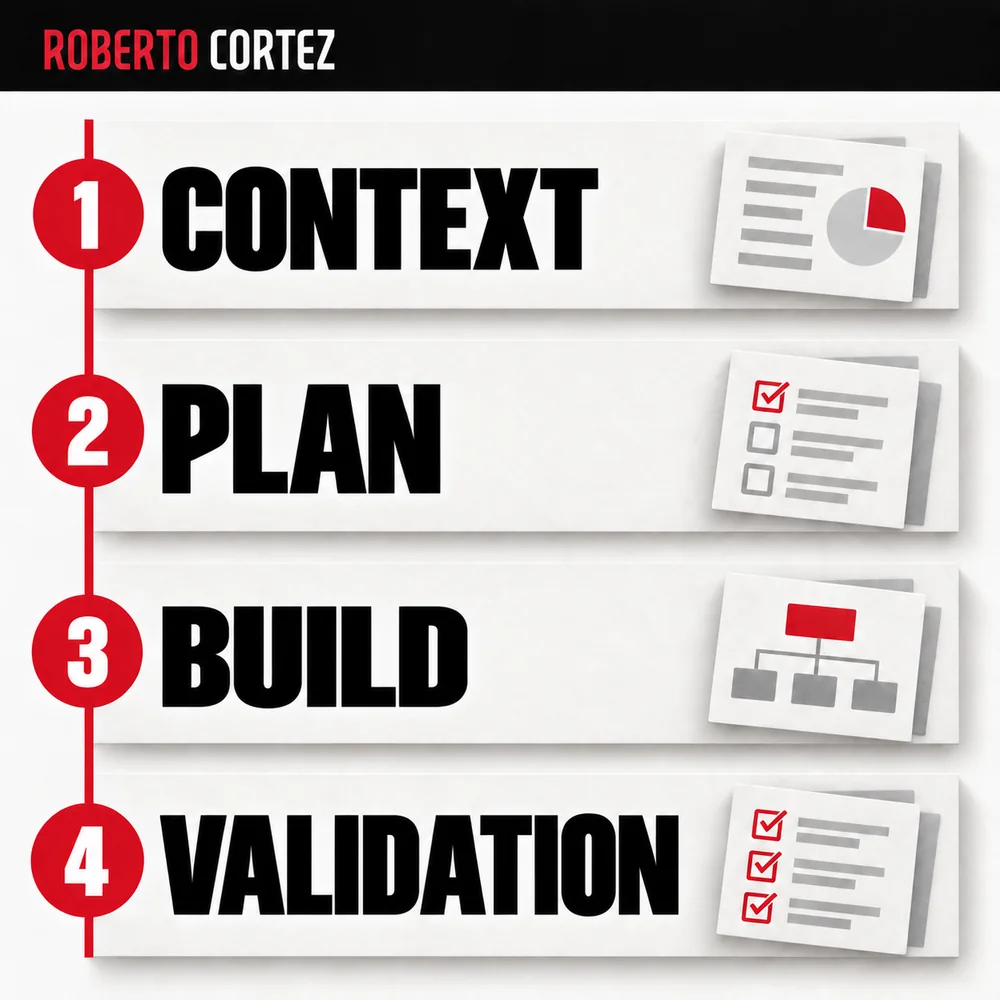
Check the protections where information is delivered
The application needs server-side authorisation and data access protection appropriate to its architecture. In projects using Supabase, that includes checking database permissions and policies. Having a security option enabled does not demonstrate that the rules allow and refuse precisely the intended cases for the people who will use the application.
Ask for an explanation connected to the journey: where the session is verified, where authorisation is decided and what protection applies when querying the record. The response should connect the business rule with implemented controls. A list of technical names without that relationship is difficult to assess meaningfully during review.
For data, check the effect of each required operation. A correct reading rule does not automatically resolve the conditions for creating or changing a record. In the portal, allowing a file upload to an order requires confirming permission to act on that order as well as accepting the file type.
Privileged accounts used for operations deserve separate attention. They should not simulate an ordinary customer to conclude that restrictions work. If a test used powers greater than those available to the final user, the evidence needs to say so, and the appropriate check remains outstanding until it is actually performed.
Test refusal as carefully as success
Prepare fictional accounts and records that demonstrate legitimate and illegitimate access in an authorised test environment. Check the request's result and its effects on data. An error message is insufficient if information was delivered or a change took place before the application displayed that message to the person making the request.
For the printing company, create two test customers with separate orders. Confirm that each can view and change only what is permitted and that internal staff have the defined scope. Add an ended session or a person whose access was removed, according to the intended behaviour for managing users in the application.
Record the version and configuration checked, avoiding presenting an old review as evidence for a recent change. As when testing an automation before handover, distinguish observations, hypotheses and outstanding items. Confidence is supported by demonstrated behaviour, including the actions the system correctly refused under the conditions that were tested.
When adding a new file type, report or action, return to the corresponding rule and affected tests. Login may remain exactly the same while new access possibilities appear. That evolution requires authorisation to stay connected to the application's actual resources and the current responsibilities of the people who use them.