
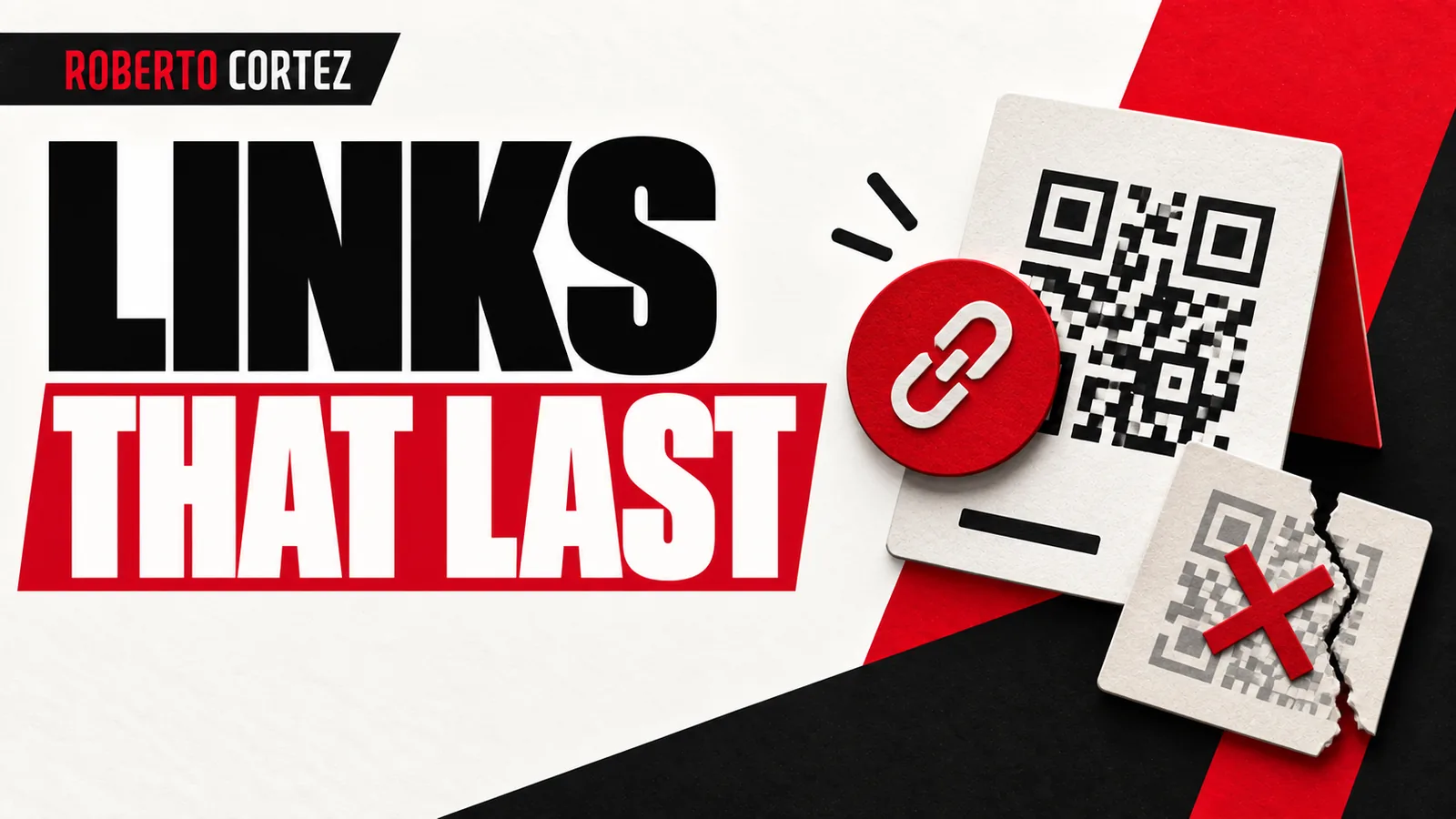
In a class about the tools I use day to day, I talked about Switch, the tool I use to create short links and generate dynamic, customized QR codes. The explanation I gave addresses a very concrete problem for anyone working with printed materials: you print it, put it up, and one day you want to change the final link and you can't, because that QR code is tied to it. That's exactly what a dynamic QR code avoids, which is why I count it among the tools I consider close to essential.
Why separate the printed code from the final link
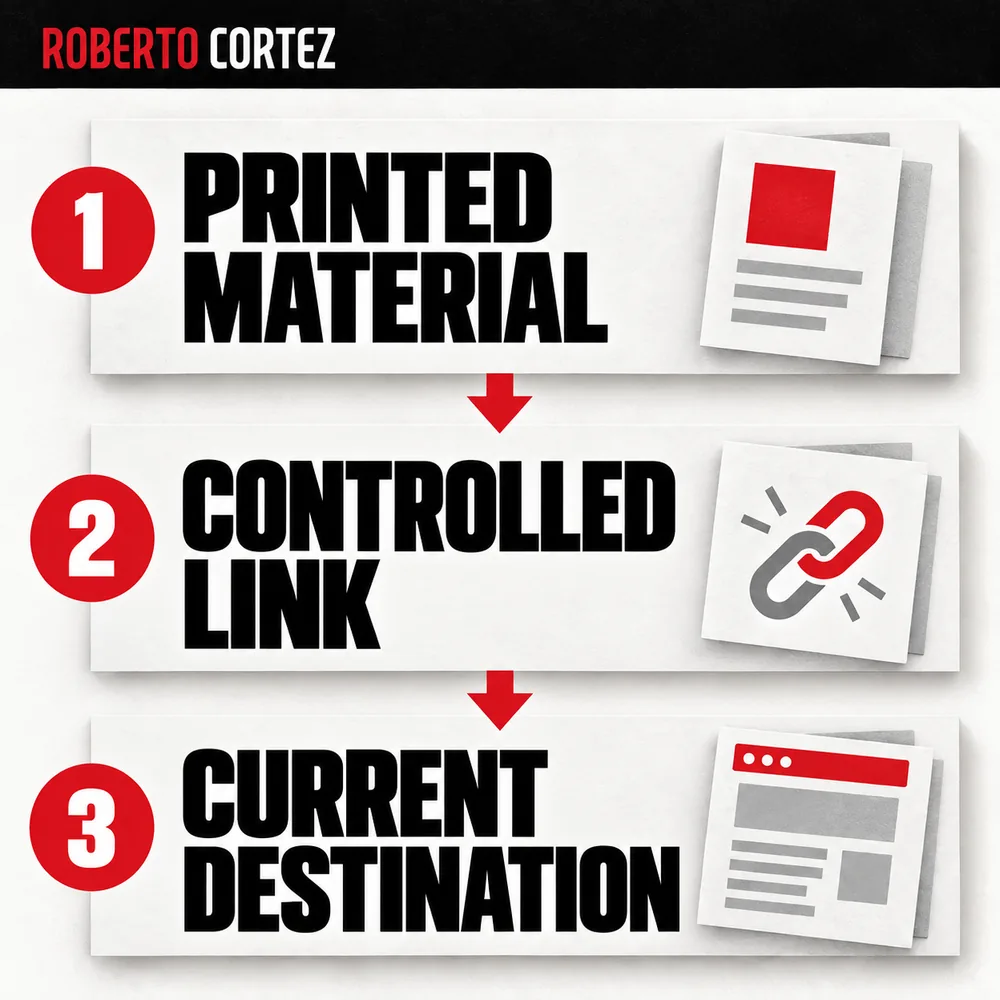
A static code links directly to a fixed address. Once I print it on a banner, a badge, or a slide, I'm locked to that address, even if the page changes or the offer ends. That's why I use dynamic QR codes, pointing to a route I control afterward.
With a dynamic QR code, the printed code points to an intermediate route you control afterward, through the platform. I was direct about what happens when this isn't done: you print QR codes and then it goes to a 404 page, it's a mess. The practical advantage is being able to change the destination without touching the physical material. If the code today points to a sign-up form and after an event you want it to point elsewhere with the promised content, you do that inside the tool, not at the printer.
This matters most with materials that have a long life, like a banner reused across several presentations over months, or event badges that keep circulating after the event is over. In those cases, getting the destination wrong carries a real reprinting cost, on top of the image problem.
Owning the link's domain
Using a generic shortener means your visible link belongs to another brand, on a domain you don't control. I highlighted this as one of the reasons to choose a tool that lets you attach your own domains: being able to create short links with your own URL, with your own domains, is simply incredible, an obvious choice.
In practice, this means having a short link under your own domain instead of a generic vendor domain. If you ever switch tools, the domain stays yours; only the service behind it changes. That gives you more control over how your brand appears on any printed or digital material, and less dependence on a single external vendor.
I tend to carry these links with me when giving a talk or an in-person class, precisely because, being my own domain, I can recall them from memory, which makes it easier to say a link out loud on stage without depending on a visible QR code at that exact moment.
When a Cheap Tool Starts Costing the Business More
How to plan an app with Claude Code before you start coding
How to build a lead funnel that the sales team can actually work
Deep linking: taking the person into the app
A normal link opens the destination in the phone's browser. A deep link tries to open the native app instead, when it's installed, which changes the experience for whoever receives that link. I use this, for example, to take people from Instagram straight into the YouTube app.
When you enter the YouTube app, you're already logged in, which is a big advantage, because the browser experience isn't as good. The practical difference is concrete: without login, you can't like or comment; inside the app, you can right away.
I gave the example of YouTube from Instagram: when I share a link to a class in my Stories, that link is a deep link. I take the person into the app. When you enter the YouTube app, you're already logged in, and that's a big advantage, because if I send you to the browser, the experience of being on YouTube on your phone inside the browser isn't as good. The practical difference is concrete: without login, the person can't like or comment; inside the app, they can right away.
For anyone relying on real interaction, such as comments, likes, or channel subscriptions, this matters quite a lot for the outcome of a campaign or a live session. A link that always opens in a logged-out browser wastes part of the engagement the content itself could have generated.
Knowing where the clicks came from
Beyond solving the dead-link problem, the tool I use also shows how many clicks each short link received, without needing extra setup for every campaign. I call this click analytics, useful for knowing how many people clicked a link shared in a specific Story.
This doesn't replace full digital traffic analysis, but it gives a direct number per link, already available inside the shortening platform itself. If you distribute the same type of code across several materials over time, such as different Stories, different badges, or different presentation slides, that number tells you which format generated more clicks.
That information helps you decide what to repeat next time. If one specific link got noticeably more clicks than another in a similar context, that's a concrete signal about where it's worth paying closer attention the next time you prepare a similar material.
What to take from this for your own use
The central lesson from this class is about the logic of separating the printed medium from the digital destination behind it. Whenever a physical material will carry a code or link, it's worth asking before printing: what if I need to change this after it's already printed and handed out?
If the answer is yes, a dynamic link or dynamic QR code solves the problem before it happens. I'd start there: any printed material with a lifespan longer than a single day, such as event badges, reusable banners, or training materials, benefits from a link that isn't stuck to the paper, so a last-minute change doesn't cost you an entire reprint.
It's also worth considering, whenever possible, keeping that link under your own domain instead of a generic one, and using deep linking whenever the destination is a social network or app where being logged in actually changes the experience for the person receiving the link.
Source note
This reflection comes from a Sextas Ímpares class where I walked through some of the tools I use day to day. The part about short links, dynamic QR codes and deep linking starts around minute 27:00 of the video. You can watch the full class here: https://www.youtube.com/watch?v=4o_hdi0WEzE.