

Start with what you will do with the enquiry
A form should collect enough information for the action it promises, whether answering a question, assessing a project or preparing a conversation. Define that action before choosing fields. Without a clear destination for the enquiry, it is easy to accumulate questions that seem useful but do not change how it is handled.
In a hypothetical example, a maintenance company receives requests to establish whether it can provide a service in a particular area. Location and the type of need may matter immediately. A lengthy account of the interested company's history may not change that first decision and can wait for the next conversation.
Next to each proposed field, write what the team will do with the answer. If the information routes the request, specify to whom and according to which criterion. If it merely helps you learn more about a potential customer, ask whether that knowledge must exist before you can respond.
This connection is part of a lead funnel the sales team can work with. The form should fit the actual process, including the availability of whoever receives enquiries. Collecting details nobody reads adds effort for the interested person without improving preparation for the following stage.
To prepare your next step, explore Lead generation for service businesses.
Distinguish necessary information from interesting information
A detail is necessary at this stage when its absence prevents or meaningfully compromises the next step. Other details may become useful later, when there is context and an understandable reason to request them. Make this distinction field by field instead of assuming everything the company uses belongs on the initial form.
A return contact is usually essential for answering a request, but the channel should match what you promise to do. If you will reply by email, also requiring a telephone number needs a concrete reason. If the person requests a call, explain that expectation and collect the appropriate details to make it.
Billing details, extensive documentation and system access often belong to later stages. Requesting everything initially may make someone stop to find information that was not yet needed. Beyond that effort, the team receives data it may never have reason to use for that particular enquiry.
A useful question when reviewing the list is whether you could provide the initial response without a field. If you could, consider making it optional or collecting it later. This is not simply about reducing form size: a question about fit may prevent a conversation that cannot progress under the stated conditions.
Use words the person can answer without help
Questions should describe information the interested person knows and can provide confidently. Avoid internal language, overly technical categories and requests requiring a diagnosis beforehand. Where an answer may vary, explain what you need and allow uncertainty, so someone does not have to invent a detail simply to submit the form.
“Which system do you need to integrate?” can be difficult for someone who only knows they repeat tasks between two applications. Asking what they do today and what they want to make easier may produce more useful context. The team can identify technical options during the conversation without requiring the person to resolve that part beforehand.
For fixed choices, use understandable options that are sufficiently distinct. If none fits the situation, provide an appropriate way to describe it rather than forcing selection of an incorrect category. Easier counting does not compensate for losing the meaning of what people wanted to communicate.
Open questions need guidance. Instead of asking someone to “tell us everything”, identify the two or three aspects that help prepare a response and make clear that a brief description is enough. A format example can guide people without suggesting an ideal answer that everyone ends up copying.
Ask about suitability conditions when they change the decision
Some information deserves an early place because it determines whether the business can help, such as location, timing or service type. Explain those conditions on the page and ask only what you need to confirm. Do not use the form to hide offer limits people could understand before they begin filling it in.
If the service can only begin after a particular date, show that availability before asking about the desired timeframe. The person can assess the fit and the team receives an answer with more context. Asking about urgency without revealing your capacity can create expectations a later call must undo.
Budget may matter for some services, but the question needs to make sense to someone still exploring solutions. A person may not know how to estimate the required investment and still have a suitable need. If you use ranges, explain what they represent and distinguish an undefined budget from a known incompatibility.
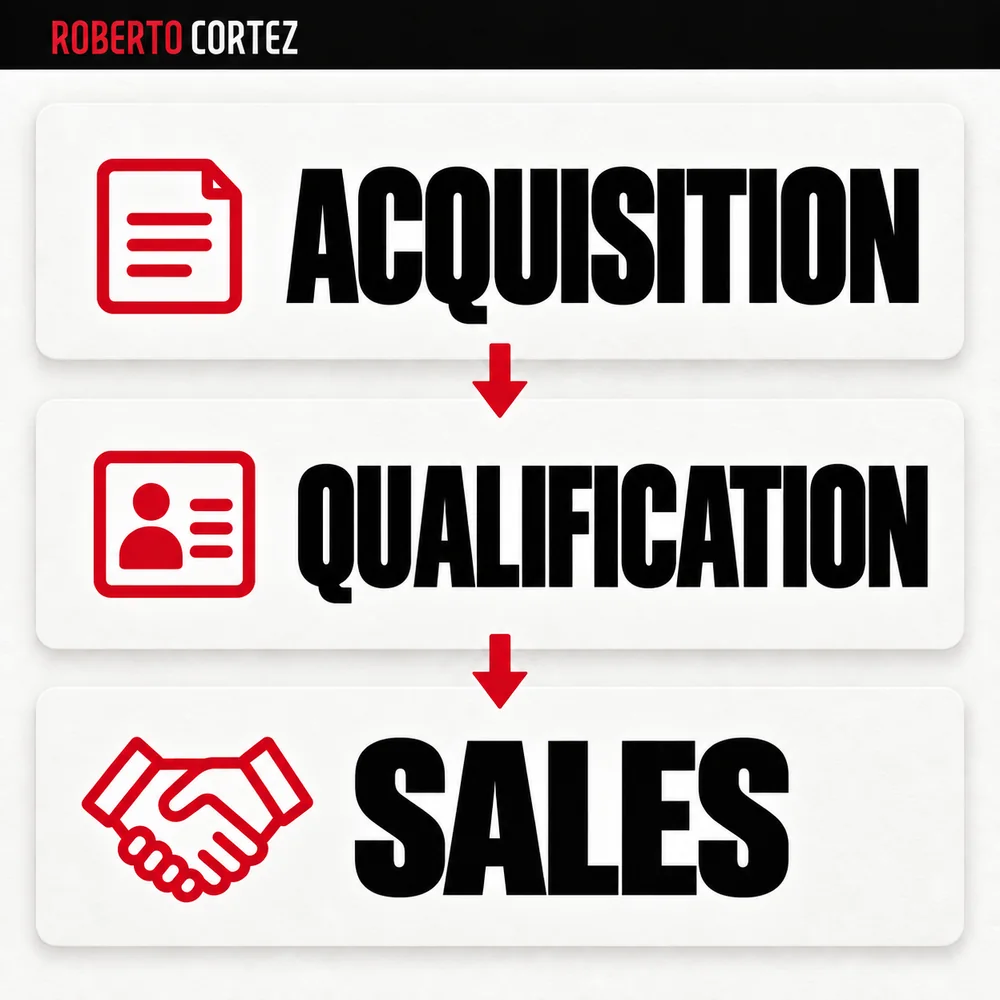
The form prepares qualification but rarely provides a complete understanding of a project. When turning leads into customers in a service business, use the answers to open an informed conversation. Do not treat a single selection as a complete description of someone's capacity, intention or value.
Check that completing and submitting the form is understandable
After choosing the questions, check whether someone can understand what is required, correct an error and complete the enquiry. Clarity also depends on sequence, instructions and submission confirmation. Test the complete journey, including what happens on a phone and the information that eventually reaches the team responsible for responding.
Begin with the context that makes later questions understandable. If one answer makes certain fields irrelevant, avoid asking the person to fill them in just to satisfy an internal structure. Presentation should follow the actual need while preserving a clear way to correct earlier choices.
Error messages should identify the field and the necessary correction. A vague notice that “something went wrong” may prompt repeated submissions without explaining what to change. Also check that completed information does not disappear when a problem occurs that the person can fix.
After submission, explain the next step and a timeframe you can meet. Do not promise a detailed assessment if the process starts only with checking suitability. Confirmation should match actual handling so information collection does not end with expectations different from those the team is prepared to fulfil.
Review fields through the work their answers enable
Assess form quality through enquiry completion and the usefulness of answers during follow-up. Observe questions, errors, unsuitable requests and information unnecessarily asked for again. Use these signals to review specific fields instead of deciding solely from the total number of forms received, without considering what happened after those people submitted them.
Ask the team for examples of answers that helped decisions and fields that remain empty, ambiguous or ignored. When a question repeatedly fails, check whether it is poorly worded, appears too early or should be answered another way. Do not immediately add another question to compensate for the first.
If submissions decline, diagnosing a lead shortage versus sales difficulties helps examine the journey. There may be a change in demand, a technical fault or an unclear requirement. Record the hypothesis, change deliberately and observe subsequent handling as well, to determine whether the revision addressed the difficulty that prompted the work.