
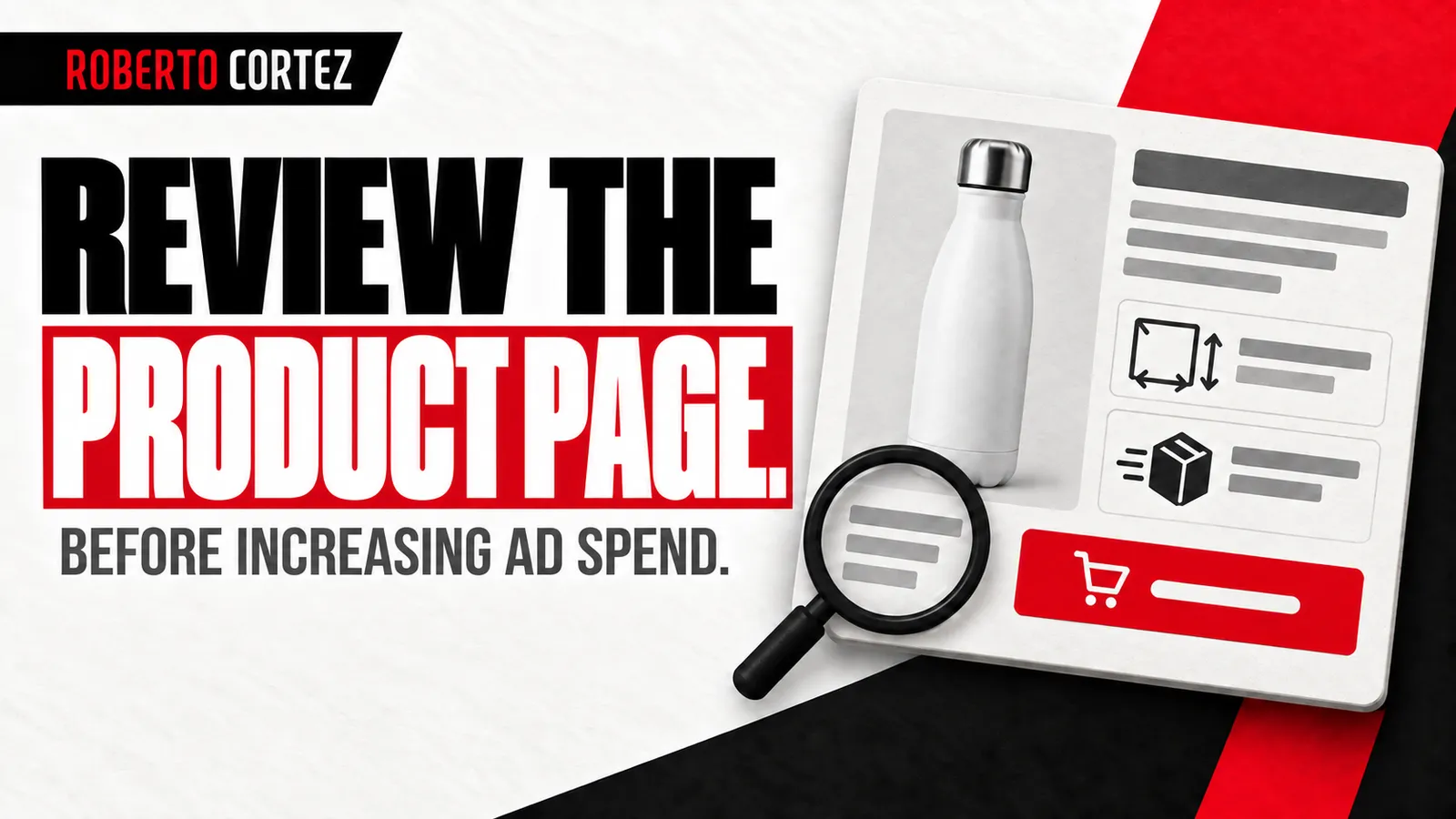
Confirm what the visitor expected to find
The review begins before opening the page: identify the message that brought the visitor and the expectation it created. Compare the product, benefit, image and advertised conditions with the actual destination. Someone who clicks should recognise the offer without having to reconstruct the connection between the ad and the page.
In a hypothetical example, an ad shows a bottle that is easy to carry to work. The destination page should make that model recognisable and let visitors check the features relevant to that use. A category containing dozens of different items may add a search the ad appeared to have already resolved.
Check whether the ad presents a particular variant, a bundle or a special condition as well. The page needs to explain what is included and which option the condition applies to. A photograph showing accessories can create an expectation different from what is actually being sold.
This is one part of the diagnosis I make before proposing a marketing plan. The question extends beyond whether the campaign attracts visits. It also asks whether those visitors find an offer consistent with the reason they clicked in the first place.
To prepare your next step, explore Growing an online store.
Check whether the product is understandable
A product page should explain what is being sold, what it is for and which features affect the choice. Use concrete language and images that show the item clearly. Visitors need to assess suitability as well as recognise a name, a photograph and a price on the screen in front of them.
For the bottle in the example, dimensions, capacity, material and cleaning instructions may matter. The importance of each detail depends on the product and its use. Do not add a long list simply because it appears in the supplier's catalogue; organise the information that helps the buyer decide.
Connect features and benefits without inventing performance. Saying that a product fits in a compartment requires supporting information, such as compatible measurements. A vague statement about quality cannot replace details that allow someone to understand whether the item suits their particular situation.
Check readability on a phone and whether useful details can be enlarged. If the decision depends on a measurement or finish, that information needs to be accessible. An attractive image can still be insufficient to answer the question that is preventing the purchase.
Make purchase conditions easy to find
Before proceeding, buyers should be able to find the price of their selected option, availability and relevant information about delivery and support after purchase. Present the conditions the store actually offers. Avoid scattering decisive information across pages that force people to repeatedly interrupt their choice of product in order to investigate.
Check whether selecting a size, colour or quantity updates the displayed information correctly. An unavailable option should be recognisable before the person invests time in the next step. Having stock of a similar product does not make that particular variant available to buy.
If delivery cost depends on information not yet known, explain how it will be determined and when it will appear. The purpose is to avoid a cost expectation that the purchase journey later contradicts. Do not invent free delivery or arrival dates to make the page more appealing.
Provide a clear way to consult the exchange, return and support conditions applicable to the offer. This review checks clarity and consistency with actual operations. Commercial promises should appear only when the business can fulfil them and genuinely commits to providing those conditions to buyers.
Use evidence that answers a specific question
Evidence should help buyers assess the product and support what the page claims. Real photographs, demonstrations and authentic reviews can answer different questions. Choose each element for the information it adds and check its origin, avoiding invented testimonials or material that actually represents a different version of the item being sold.
A demonstration might show how packaging opens or how a feature works. A detailed photograph can clarify the finish. A review can describe an individual experience, but it does not justify turning that account into a promise of identical results for every buyer.
Record questions received by support and examine whether the page answers them. If several people ask for the same measurement, a photograph showing scale or a readable table may be missing. The solution should address the observed question instead of adding unrelated trust elements.
When preparing ad variations based on different hypotheses, check that the page supports every message used. If one variation highlights durability and another highlights ease of use, each claim requires appropriate information at the destination. Consistency extends to the evidence presented there.
Follow the choice through to the cart
Test the product selection sequence and check that the next step is understandable and functional. Confirm required options, availability, quantity and the response to the purchase button. A content review remains incomplete when someone understands the offer but encounters a blockage while trying to progress through the actual buying journey.
Carry out this check on screen formats relevant to the store and with the variants actually being promoted. Observe error messages, areas covered by floating elements and price changes after selecting an option. Record the behaviour found and the steps needed to reproduce it reliably.
A page opening correctly does not demonstrate that a purchase can begin. A button changing colour when touched is insufficient too. Confirm that the chosen product and variant appear in the cart with consistent information, without completing a real order during a simple review not prepared for that purpose.
The discipline of connecting stages in a commercial journey is useful here, although a store has different stages from a service business. Each action should lead to a recognisable state. Visitors need to know whether they progressed and what remains for them to do.
Prioritise changes you can assess
Separate observed faults from improvement hypotheses and visual preferences. First fix what prevents selection or progress, then test changes connected to specific questions. Define what you expect to observe and monitor the following stages, because more button clicks alone do not demonstrate more purchases that contribute usefully to the business.
A button failing to add the selected variant is a verifiable fault. Moving dimension information closer to the selector is a hypothesis. Preferring a photograph with a different background may simply be an aesthetic choice until there is a reason connected to understanding or buying behaviour.
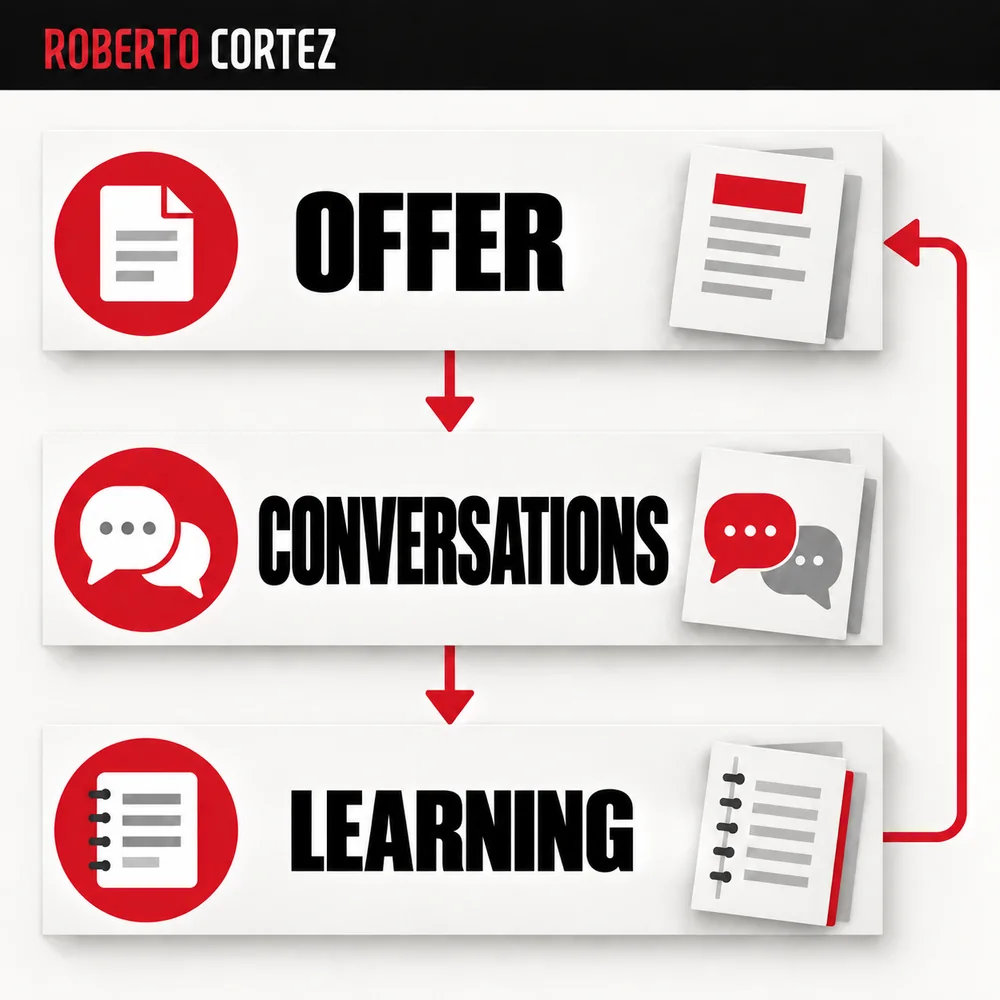
Use support conversations and browsing observations to write specific hypotheses. For example, hypothetically, a clearer explanation of compatibility might reduce repeated questions before purchase. Then check whether the information is understood and whether unwanted effects appear, such as people choosing less suitable variants.
I would increase investment with a functional page, an understandable offer and a way to follow what happens after the click. A review does not guarantee conversion, but it stops you from directing more people towards known faults. That is a concrete result before discussing a larger budget.