

Start with the work someone needs to complete
Describe a concrete situation before listing features. Identify who arrives at the application, what they bring and the outcome they need to continue their work. That journey gives screens and actions a purpose. Without it, an extensive feature list can still leave the main need unresolved when the application is delivered.
Imagine a repair workshop receiving requests through several channels and wanting to organise them. The initial idea might be an application with customers, equipment and statuses. You still need to know who records the request, what information they receive and how they determine whether there is enough to pass work to a technician.
A more useful description follows a request from arrival: reception identifies the equipment, records the reported symptom and adds contact information. The technical supervisor reviews the request and decides the next step. The team needs to recognise its current status without having to reconstruct the history from several separate conversations.
This journey helps identify the first result worth building. Consistently recording and consulting requests may be enough before adding notifications or reports. That choice can change later, but it allows you to discuss a complete need instead of starting with a collection of buttons whose relationship is still unclear.
It follows the same reasoning as using AI in business beyond the chatbot: start with the work that needs to happen. The tool gains a defined place in the process, and the specification can explain how the application contributes to the outcome without assigning it every responsibility held by the team.
To prepare your next step, explore Building digital products with AI.
Use questions to settle important choices
Questions should reduce uncertainty affecting behaviour, starting with decisions that have the greatest consequences. Who can perform each action, which information is required and when a request changes status are useful starting points. Questions about appearance can wait while the central operation is still undefined and open to different interpretations.
When developing a support platform with requests for help, I had to answer many questions to clarify what I wanted to happen. The idea of having a ticket system seemed simple. The detail appeared when I needed to explain the platform's behaviour, access and the relationship between its different parts.
In the hypothetical workshop, first ask who can mark a request as completed. If anyone can do it, the process will differ from a system where that decision belongs to the responsible technician. The answer changes the available actions, the information shown and the cases that need to be checked.
Ask the AI to explain why each important decision is needed and to present understandable options. Split questions that combine several choices. It is easier to assess the consequence of allowing a completed request to reopen than to answer a paragraph mixing statuses, notifications, permissions and the layout of the dashboard.
Not every question needs an answer before the first build. Some can be postponed if they do not affect the chosen journey. Record the postponement and its scope so that the absence of a decision is not later interpreted as permission to invent a rule or build an additional feature.
Distinguish data, rules and open decisions
The specification should separate information that exists from the rules the application will apply to it. It should also identify what remains undecided. This distinction prevents examples from turning into mandatory requirements or a hypothesis suggested by the AI from being treated as a choice that the business has accepted.
A repair request may contain equipment identification, a symptom description and customer contact information. Those are data. Preventing assignment when essential information is missing is a rule that must specify exactly what is essential. How to alert reception about the missing information may still remain an open decision for later.
It also matters where each piece of information comes from and who can correct it. If the customer describes the symptom and the technician records the diagnosis, the two fields have different purposes. Replacing one with the other may erase context needed to understand the request and explain the later response.
When giving AI context with purpose, include representative examples and explain each document's role. An old spreadsheet may show how requests were organised without requiring every column to exist in the new application. The material's relevance depends on the decision it helps someone make about the intended behaviour.
Write outcomes you can observe
A useful specification describes expected results in concrete situations, including at least the exceptions that change the main decision. Replace vague words with observable behaviour. Instead of requesting an intuitive application, explain what the person should be able to find, do and confirm while working through the task you have defined.
In the workshop, a case might begin with a complete request that has no assigned technician. When the supervisor assigns it, the name should be associated with the request and visible to those following the work. That outcome allows a function to be checked without relying on a general opinion about dashboard quality.
Another case might contain insufficient equipment information. The application should show what is missing and keep the request in the specified state instead of presenting it as ready for analysis. The exception forces clarification of the relationship between the data available and the action permitted at that particular point.
Ask the AI to compare the examples with the rules and look for contradictions before implementation. If an accepted case requires an action another rule prohibits, there is still a choice to resolve. Finding that inconsistency in the document lets you discuss it before screens and data depend on different interpretations.
Deliver a bounded first version of the specification
The first specification should contain the chosen journey, accepted rules, validation examples and the boundaries of what will be built. Include postponed questions and actions requiring your decision. Request a confirmation reading to establish whether the AI understood the same intended result before allowing the construction work to move forward.
That confirmation can be a short explanation of the journey alongside the decisions with the greatest impact. If the AI merely repeats the feature list, you still do not know whether it understood the relationships. In the workshop example, it should explain when a request is ready to be assigned.
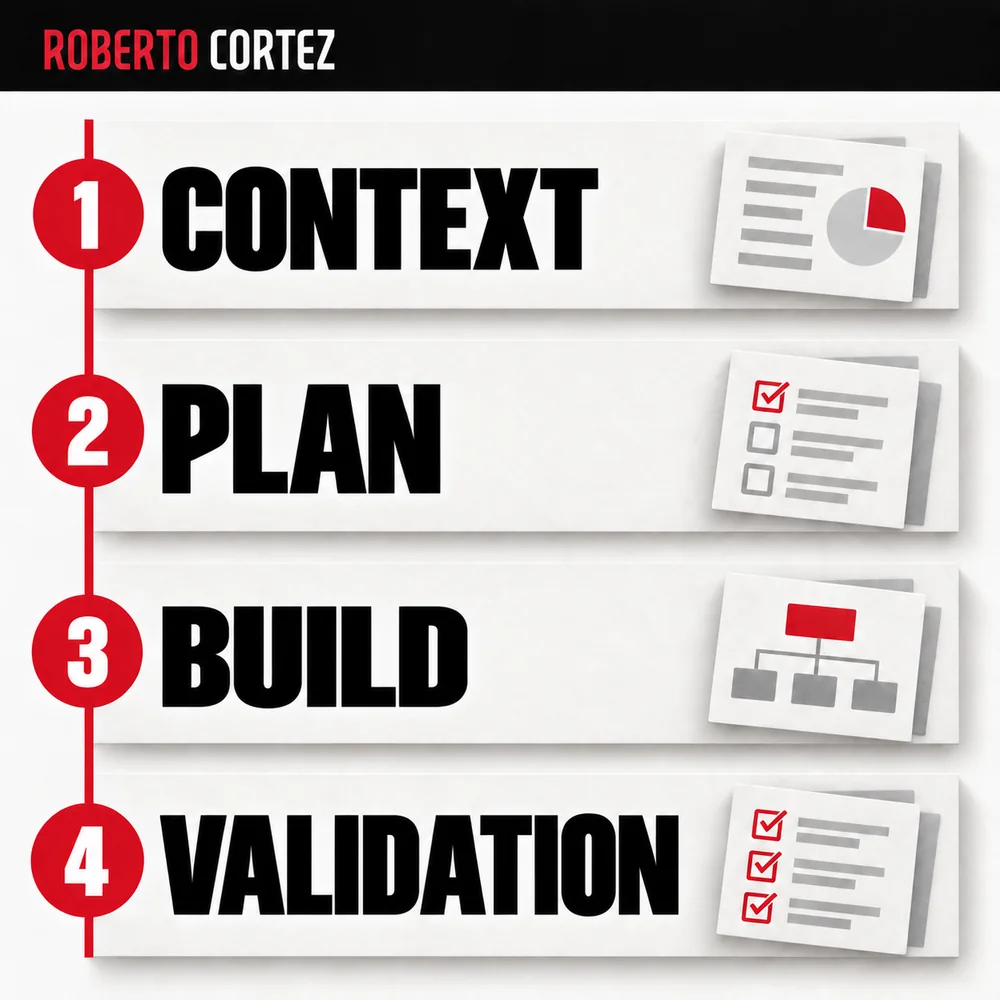
The next step is planning the construction of the application from that foundation. The specification describes intended behaviour; the plan organises the work needed to achieve and verify it. Keeping that distinction makes it easier to revisit implementation without allowing a technical choice to silently change a business rule.
New questions will arise during construction, and some answers may improve the initial idea. Update the specification when accepting a significant change, identifying what replaced the earlier decision. The document can then continue guiding current work and help explain why the application behaves in the particular way that was chosen.