

Define the homepage's role in the buying journey
The homepage should help people understand where they have arrived and choose a suitable route through the store. That function varies with the catalogue and the visitor's intent. Before selecting a feature, identify the main navigation needs and what the page must clarify first for the people who land there.
A store with one main product may need to explain it quickly. A store with several product families may need to make category selection easier. The same composition will not necessarily resolve both situations, even if it looks visually effective in each of them.
Some visitors already know the brand and are looking for a specific item. Navigation and search may matter more to them than a lengthy introduction. The first screen should make the store recognisable and provide alternatives without forcing everybody through a single narrative.
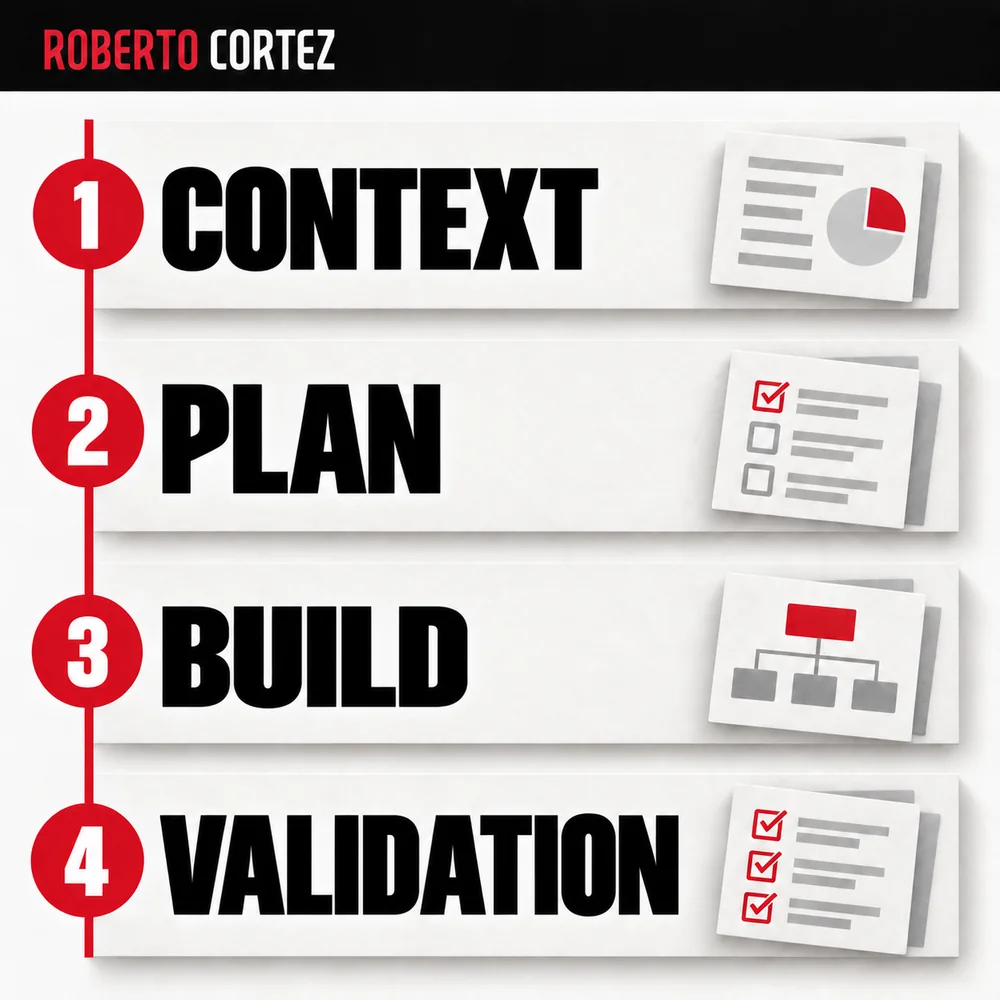
The discipline of organising a commercial journey into stages helps you consider the destination of each action, although a store is different from a service funnel. Clicking a category should bring people closer to relevant products. Moving them between pages without reducing uncertainty is insufficient.
To prepare your next step, explore Growing an online store.
Choose a priority for an explicit reason
The first feature should address a priority visitors can understand and the business can justify. It may present the main offer, a relevant category or a campaign with genuine conditions. Explain why it deserves that position and confirm there is a destination prepared for people who decide to move forward.
In a hypothetical example, a lighting store might feature solutions for small spaces if that need is relevant to its visitors. The image and message should make the intended use recognisable. A product chosen merely because its photograph matches the colour palette may not fulfil that function.
Check the choice against availability, suitability of the offer and delivery capacity. An appealing feature loses usefulness if it mainly leads to variants people cannot buy. That does not mean the homepage should display only the highest-margin item or the one the team most wants to clear.
The diagnosis before proposing a marketing plan helps connect this decision with demand, the offer and available assets. Record the reason for the feature in a simple sentence. If that reason only makes sense to company employees, it probably needs translating into a choice meaningful to the buyer.
Make the message understandable without relying on the image
The opening message should explain what the store offers and why it may interest the person who has arrived. Use concrete terms and a recognisable next step. The image should contribute to understanding, while the text clarifies what a photograph on its own leaves open to different interpretations by visitors.
In the hypothetical lighting example, a photograph of an attractive room might represent decoration, furniture or an interior design service. A clear heading and a specific action help explain what is being sold. An attractive composition does not remove the need for that basic information.
Avoid opening with phrases that could belong to any business. Words about excellence, passion or inspiration may be part of the identity, but they do not necessarily explain the offer. Ask what someone without context could say about the store after looking at that first block.
When preparing message variations for ads, maintain the same clarity. You can explore different benefits provided they correspond to the product and the destination. A campaign that leads to the homepage needs enough continuity for visitors to retain the original reason for their visit.
Order the next routes without giving everything equal weight
After the opening priority, organise routes that help different people move closer to a choice. Group products and categories under understandable names and give them prominence proportionate to their role. The catalogue can remain accessible without turning every section, promotion or new arrival into another competing message on the first screen.
One person may search by use, another by product type and another by a name they already know. Choose an arrangement that suits the catalogue and check whether labels are understood. Internal team terminology may differ from the words buyers use to describe their needs.
Do not hide essential information in an automatically changing sequence of messages. If something needs to be known before proceeding, people should be able to find it without waiting for a slide to reappear. Also examine what happens when content changes before someone finishes reading it.
Hierarchy comes from order, size and relationships between elements as well as colour. If every block carries the same weight, the page leaves priority undecided. Choosing means giving room to what matters in that context and finding another place for elements serving a secondary purpose.
Check the first choice on a phone
Review the homepage on relevant screen formats and observe what appears before any interaction. Confirm that the product, message and action remain readable and that navigation and search can be used. A hierarchy that looks clear on a large screen may change when its elements become stacked on a smaller one.
An image can occupy almost the whole screen and push the explanation below it. Text that is short on a computer can wrap over several lines and separate the action from the offer. Observe these effects in the actual result instead of inferring them only from a design file.
Ask someone to find a type of product without showing them the route. Record where they began, which label they chose and whether they reached a relevant selection. If you need to explain a button's meaning, note that assistance because it changes what the test demonstrates.
Separate navigation difficulty from aesthetic preference. Someone may dislike a photograph while understanding the offer perfectly. Another person may praise the appearance but fail to find what they need. The purpose of the review is to understand the choice the page enables people to make.
Form a hypothesis and follow the next stages
A homepage change should begin with a hypothesis about understanding or choice and an observable outcome. Define what changes, who might benefit and what you will follow afterwards. More clicks on the featured block are insufficient if they lead to unsuitable products, add backtracking or fail to help people decide.
An illustrative hypothesis could replace a generic feature with a category linked to a specific use. You expect more visitors interested in that use to find relevant products. To assess it, observe the chosen destination and subsequent behaviour, recording campaigns or offer changes that could influence the result.
Do not turn a small difference or an unusual period into a definitive rule. Record what was observed and what remains unclear. When information is insufficient, you can continue improving clarity without claiming to have discovered a winning composition for every online store.
I would choose the first block when I could explain the relationship between visitor intent, the offer and the next step. Then I would organise the rest of the page to support that decision and other relevant needs. The homepage guides purchase through clear priorities while leaving room to learn and adjust.